
There are several ways you can determine your employee relationship with Deel.
When logged into your Deel account:
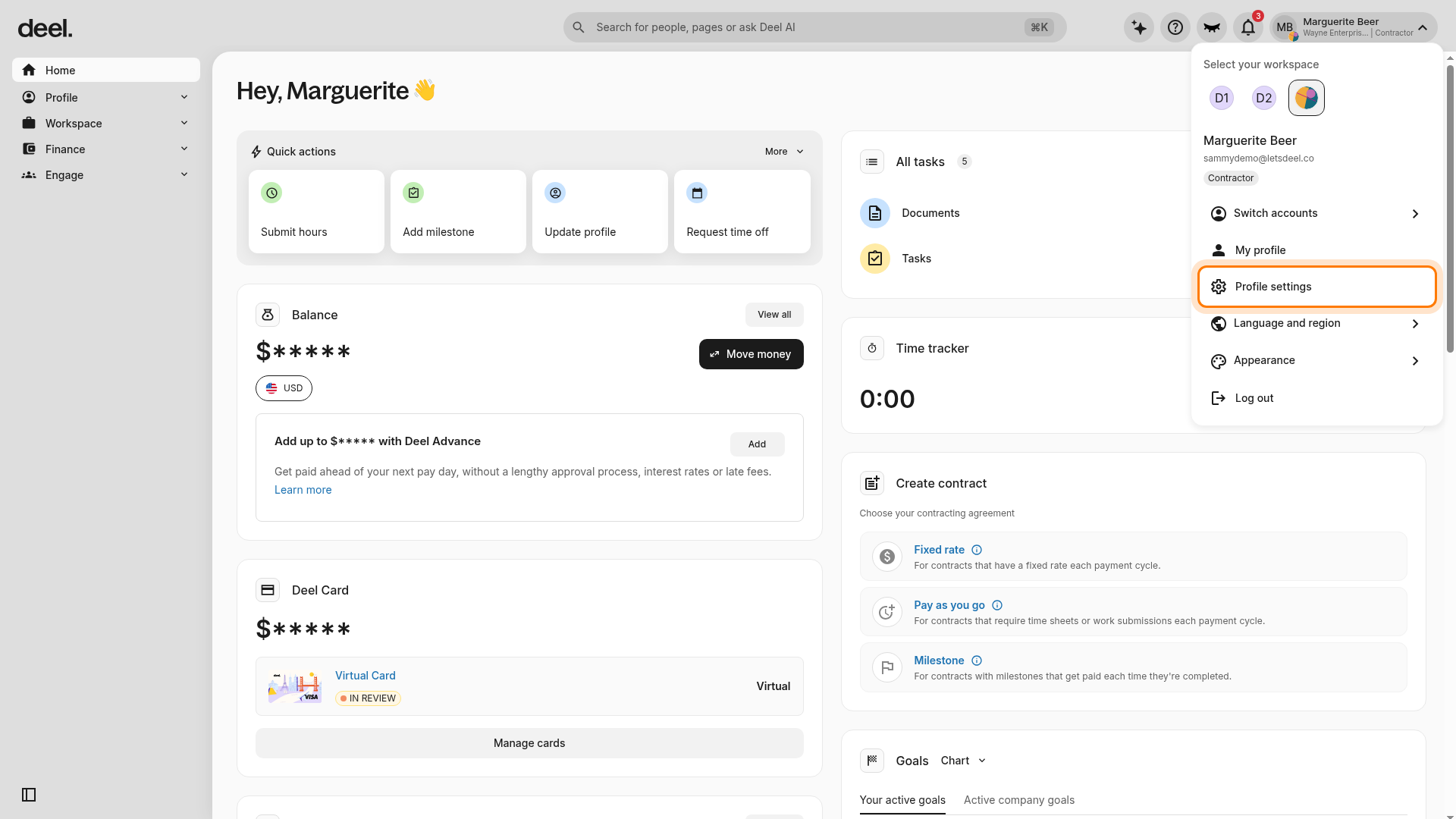
From the Home dashboard, select your account area in the upper-right corner, showing your avatar, name, organization, and worker type.
Your specific employee contract type appears beneath your name in the account menu.
Select Profile settings. Do not select My profile, Switch accounts, or another menu item.
Wait for Profile settings to load. The page opens on the Personal tab and may show panels such as Personal details and Profile photo.
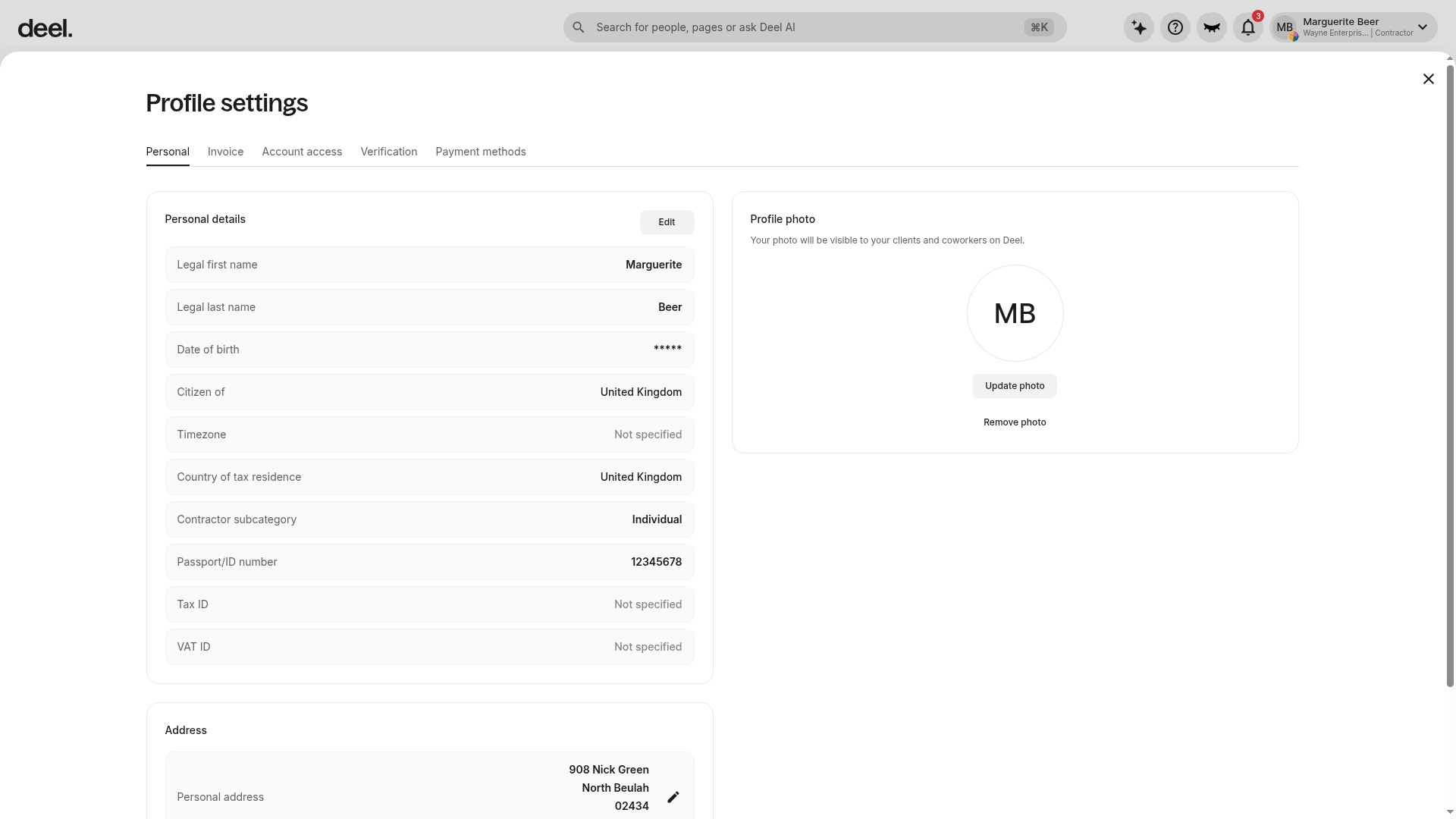
The current Profile settings page may not include a Your Deel Account panel or an Account type field. Use the worker type label beneath your name in the upper-right account menu instead.
You can also scroll down on your Home dashboard to the contract card, and you will see your employee type, the professional colleague Group you are assigned to, and your current job title.
There are several employee types on Deel, including:
When reviewing your contract:
You can review your contract details and the language of your contract agreement to determine your employee type.
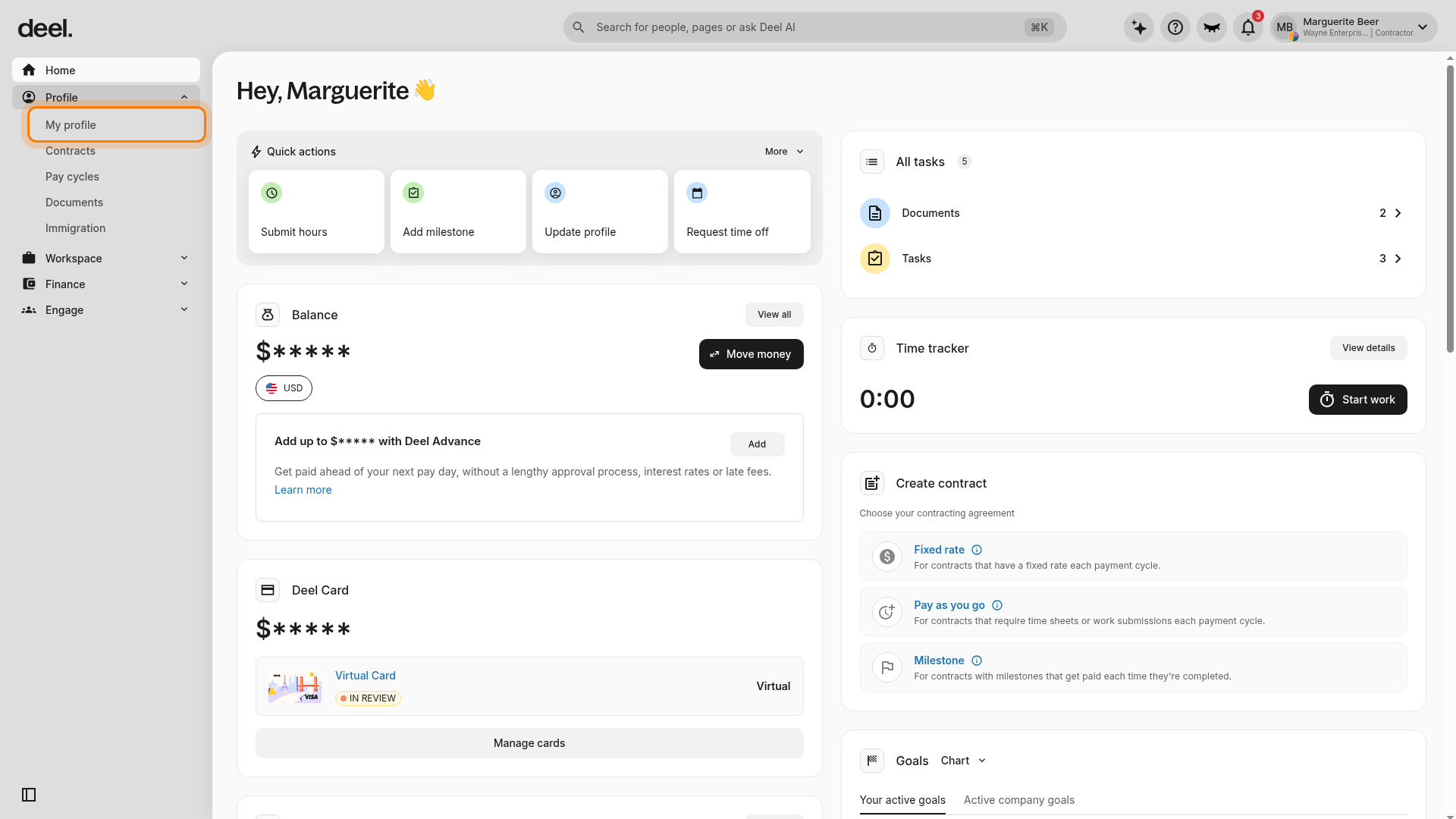
- In the left sidebar, select Profile to expand its sub-items.
- Select My profile.
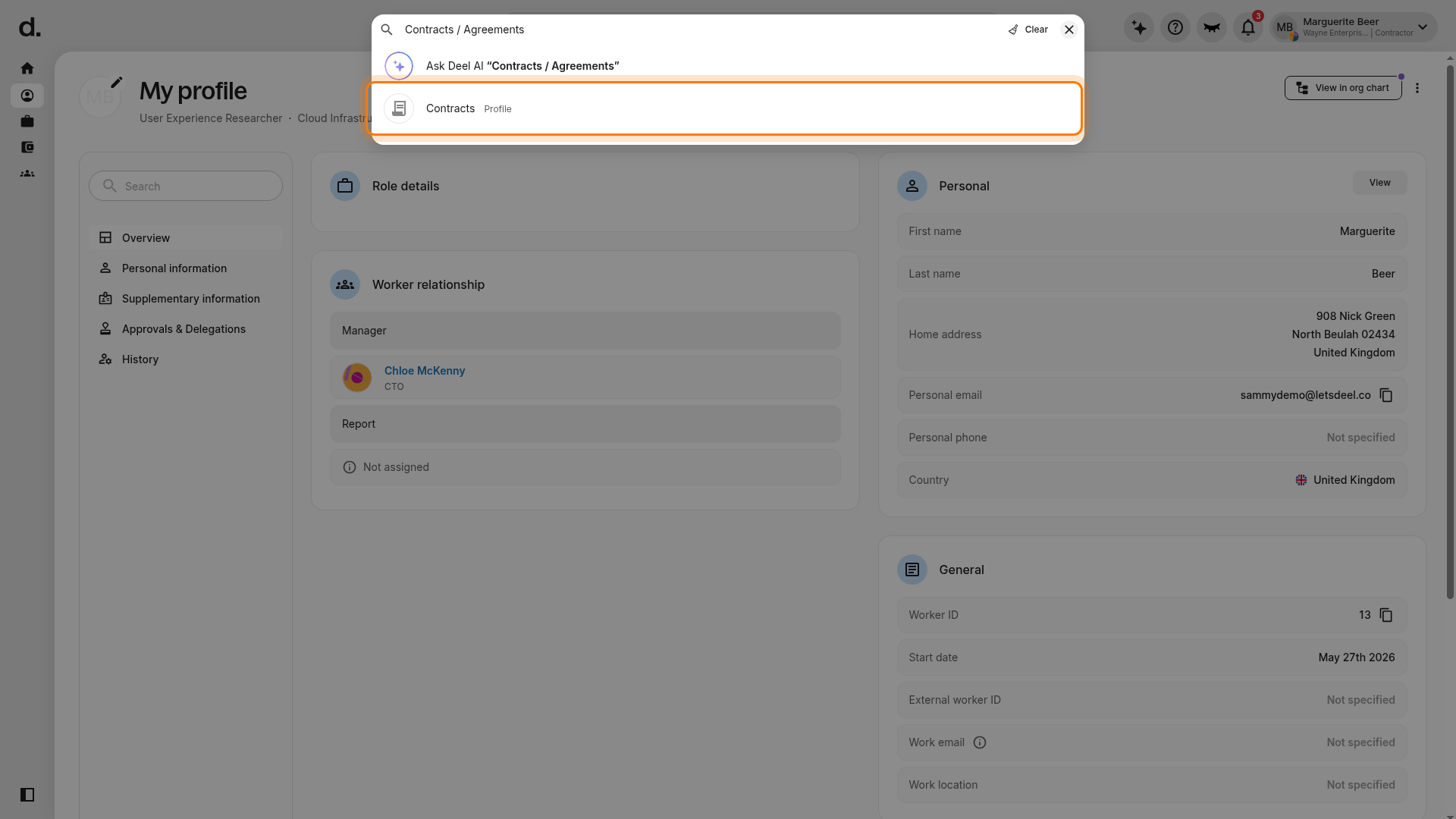
- Use the global search field at the top of the page and enter Contracts / Agreements.
- In the results, select Contracts under Profile.
- On the Contracts page, select the name of the contract you want to review. If you have more than one agreement, choose the applicable one.
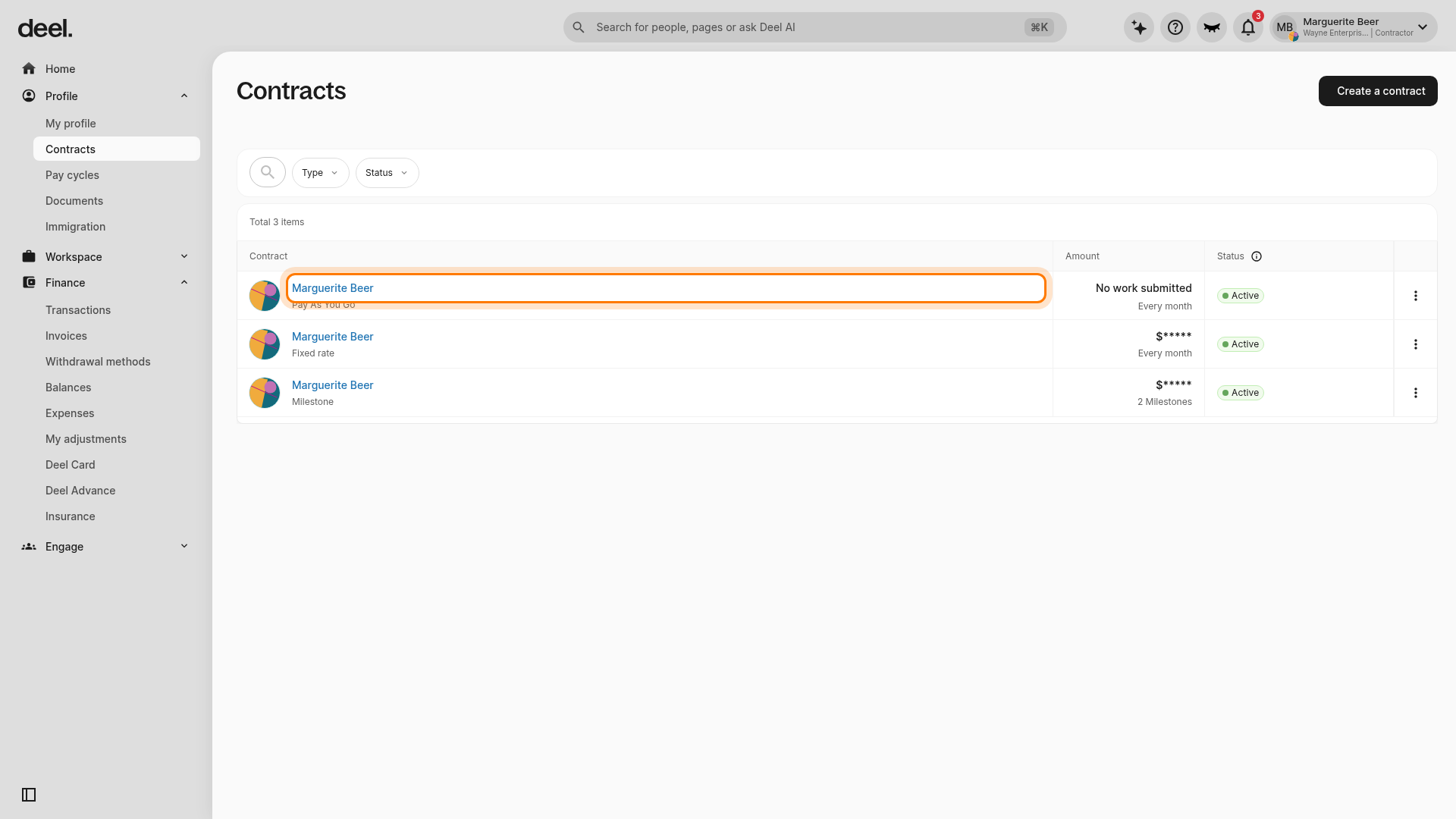
- On the contract's Contract details tab, locate the Agreement details panel and review the Worker type row. The value on the right is your worker classification.
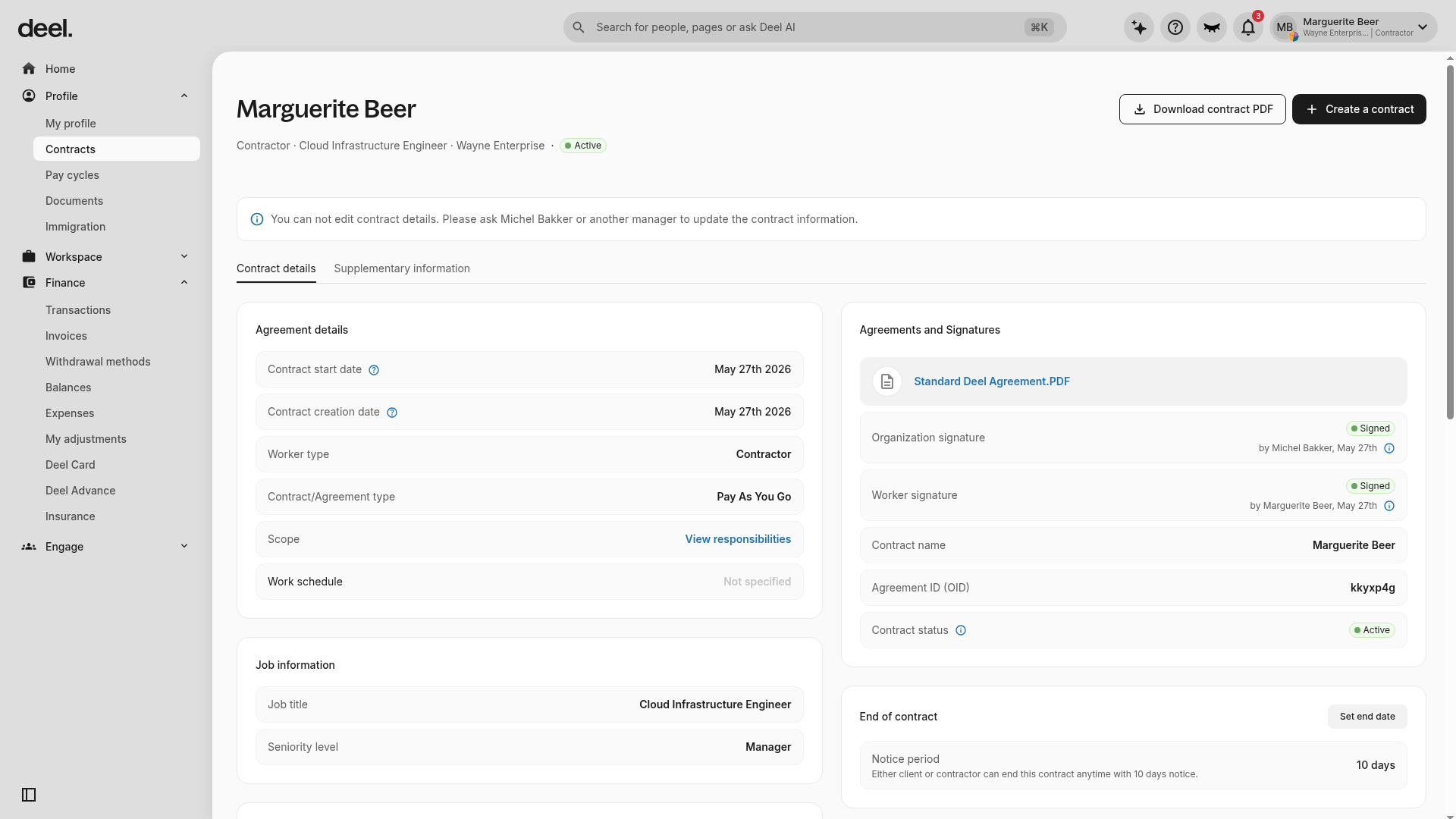
You are an EOR employee if you see your worker role listed as EOR , EOR - Annual, or EOR - Hourly.
You are a Global Payroll Direct Employee if your contract states Direct Employee - Payroll.
You are a Deel HR employee only if the worker type is simply Direct Employee.
What are the differences between employee types?
EOR employee
If you are an EOR employee, then technically speaking Deel is your employer and we serve as the Employer of Record. In more practical terms, Deel acts as the intermediary between you (the employee) and the company where you perform professional work.
While we run payroll and ensure that you receive your salary on time, we also have additional responsibilities because we are your legal employer. This includes ensuring compliance with local laws and labor regulations and performing other administrative and HR tasks.
Direct Employee - Payroll
If you are a Direct Employee - Payroll, then Deel runs your organization’s payroll but we are not your legal employer of record.
Your employer has created a legal entity and has hired you directly.
Our job is to process your payroll and deliver payslips on time once your employer submits and approves a payroll package. If your country mandates end-of-year tax documentation, we will also send those forms to you.
Where available, your employer may allow Deel to pay employees directly on their behalf. However, in some countries this is not a compliant option and your employer will pay you directly from their bank while we provide detailed documentation.
Direct Employee
If you are a Direct Employee, then you are legally employed and paid by your company, but you are managed on the Deel platform. Your company uses Deel as its Human Resources Information System (HRIS) and manages employee contracts on Deel.
PEO Employee
If you are a PEO Employee, you are legally employed by both your organization and Deel; but you are paid and managed on the Deel platform.
A PEO is a Professional Employer Organization that outsources payroll and HR duties to small businesses.
Deel PEO is a co-employment solution and this worker type is available only for employees in the United States.