
This article explains how company admins and managers can use Slack & Teams Plugin to increase employee engagement and better understand collaboration and organizational structure.
The Slack & Teams Plugin is the current solution for new customers. It is a unified plugin that allows you to enable and manage multiple Deel features in collaboration tools such as Slack and Microsoft Teams.
In addition, Deel supports several standalone Slack plugins. These legacy plugins are available for existing customers who already use them, but not for new setups.
This article includes how Slack & Teams Plugin are structured, including:
Slack & Teams Plugin
The Slack & Teams Plugin is a unified plugin solution. You install a single plugin and then enable the features you need. This approach reduces setup complexity and allows to introduce new features without requiring separate plugin installations or any additional charges.
To install and manage the Slack & Teams Plugin, select the Organization settings gear icon in the top-right corner from the Deel Home dashboard or another Deel page.
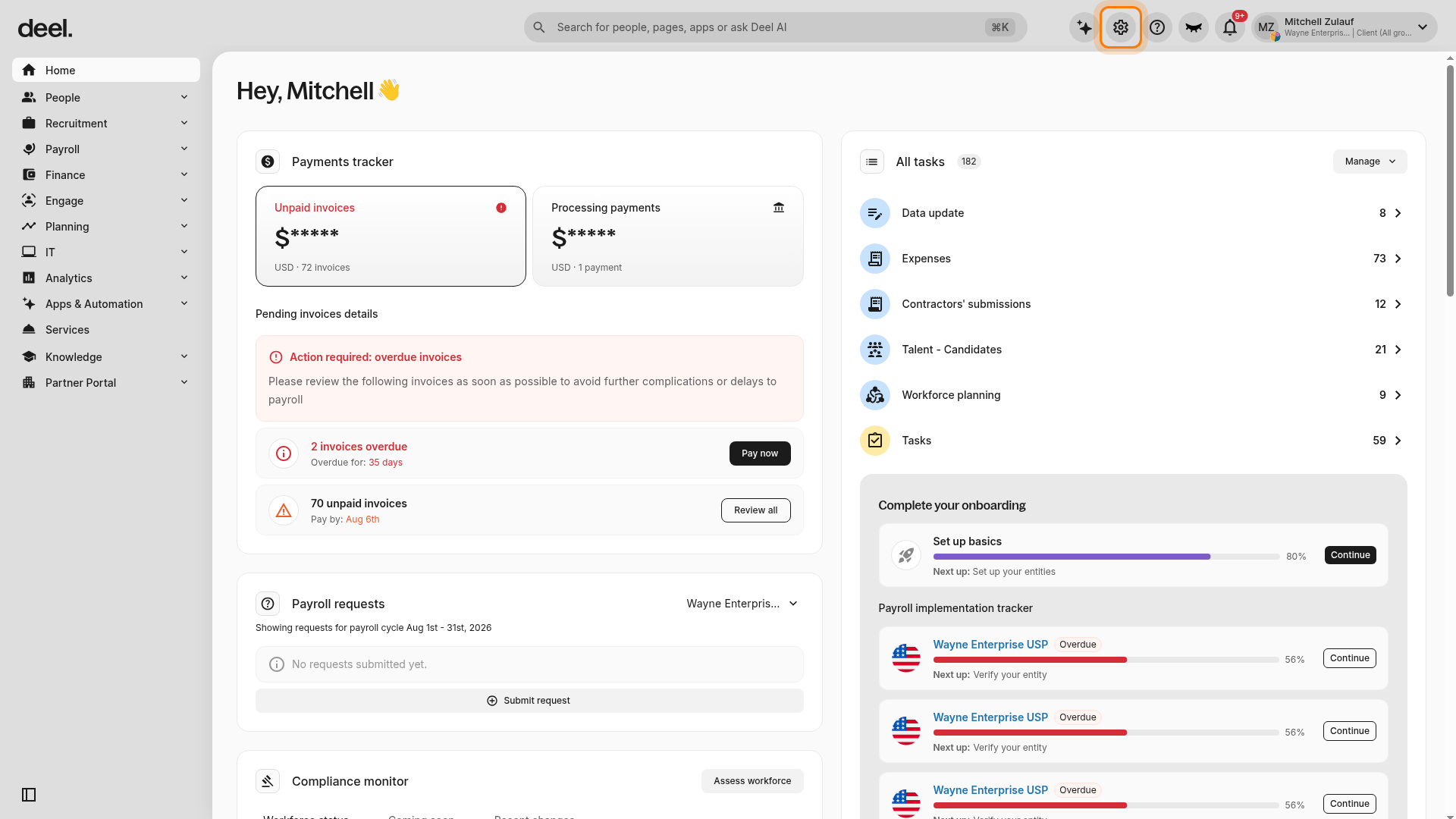
In the settings navigation, select Services > Slack & Teams Plugin. Wait for the settings page to finish loading before making configuration changes.
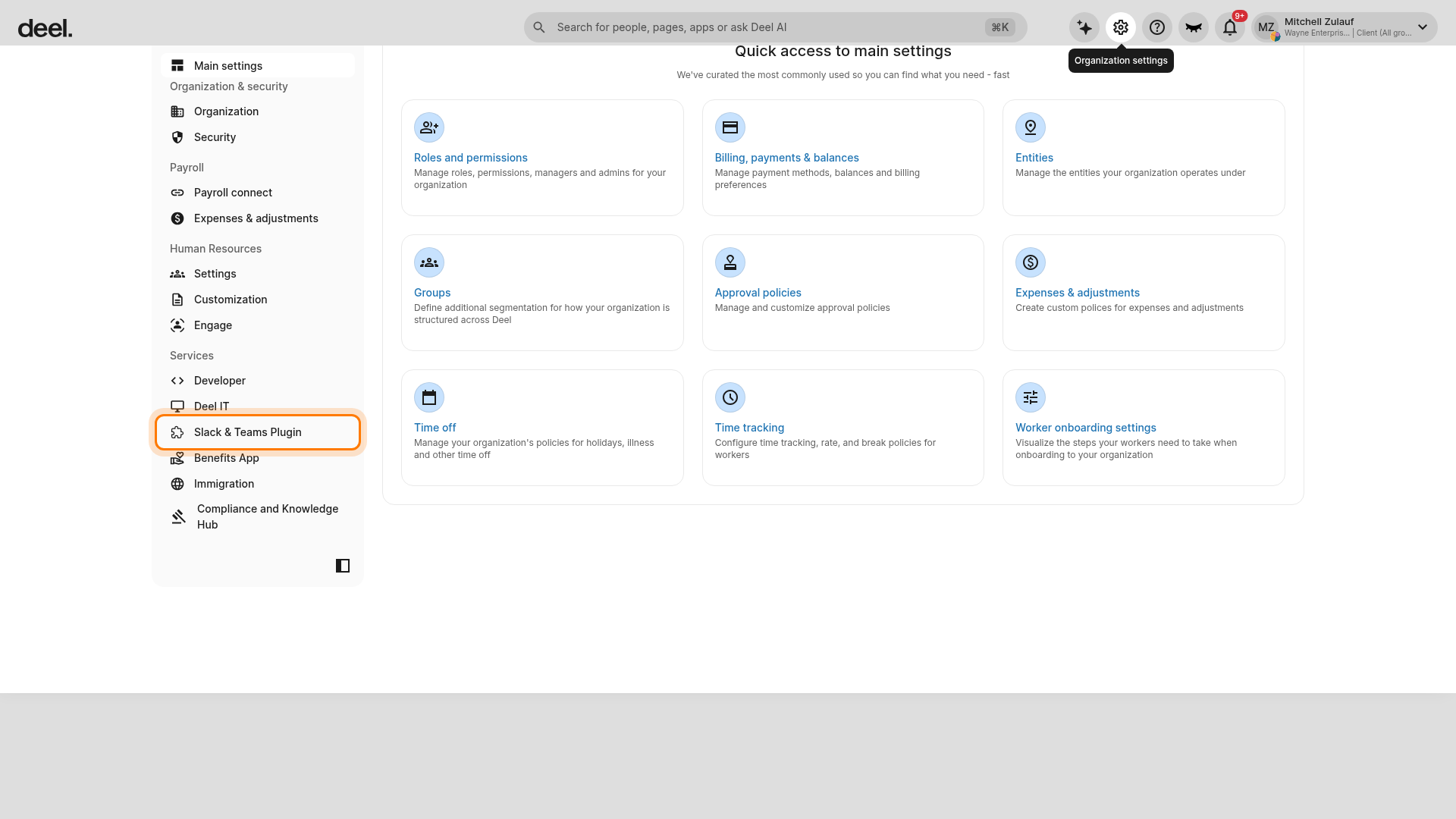
When the settings content is available, follow the prompts to install the plugin in your Slack or Microsoft Teams workspace. For instructions on how to set up and manage Slack & Teams Plugin, see How to set up the Slack & Teams Plugin.
The Slack & Teams Plugin supports the following features. Additional ones will be supported over time:
-
Slack
-
Approvals: Review and approve requests.
-
Time off: Request, review, and analyze paid time off.
-
Time tracking: Submit work shifts and review timesheets.
-
-
Microsoft Teams
-
Approvals: Review and approve requests
-
To enable features, open Organization settings and select Services > Slack & Teams Plugin. Confirm that the page has fully loaded and displays settings content and feature toggles rather than gray loading placeholders. Select the features you want to activate, then save your selections.
Standalone Slack Plugins (for existing customers)
There are nine different Slack Plugins currently available for existing customers only for Slack.
Please note that the following plugins are billed at $5 per seat.
- PTO: Track, request, approve, and analyze employee PTO usage. See the video tutorial here.
- Onboarding: Build automated workflows for new-hire onboarding. See the video tutorial here.
- Connections: Help your remote groups to connect. See the video tutorial here.
- 1-on-1s: Help your managers and direct reports better prepare for and conduct their 1-on-1s. See the video tutorial here.
- Candidate Referrals: Keeps referrals access within Slack. You can sync the plugin with their careers page and ATS. See the video tutorial here.
- Org Chart: Improve visibility and lines of communication across organizations. See the video tutorial here.
- Pulse Surveys: Create custom surveys for your groups. See the video tutorial here.
- Announcements: Bulk-send Direct Messages in Slack or target certain users, without needing to manually select and message them.
- Kudos: Enhances company culture by tracking and formalizing employee shoutouts (kudos).
To manage a standalone plugin, open Organization settings and locate the applicable standalone plugin settings, if available for your organization. Select the standalone plugin you need and follow its setup instructions.
To migrate to our new Slack & Teams feature, please connect with us.