
The Business Visa feature allows short-term business travel visas to be initiated on Deel. By default, clients (employers) raise these cases on behalf of workers. However, if enabled, workers can also initiate their own business visa cases, making the process faster and more flexible. The guide below provides details on how workers can create their own Business Visa cases.
Before Starting
Before you can create your own Business Visa case, your employer (Org Admin) must enable this option in Deel.
If you don’t see the option to start a Business Visa case, please contact your employer or Org Admin and ask them to enable Short-term business visa requests in the Immigration Settings of their Deel account.
How to Create a Business Visa Case
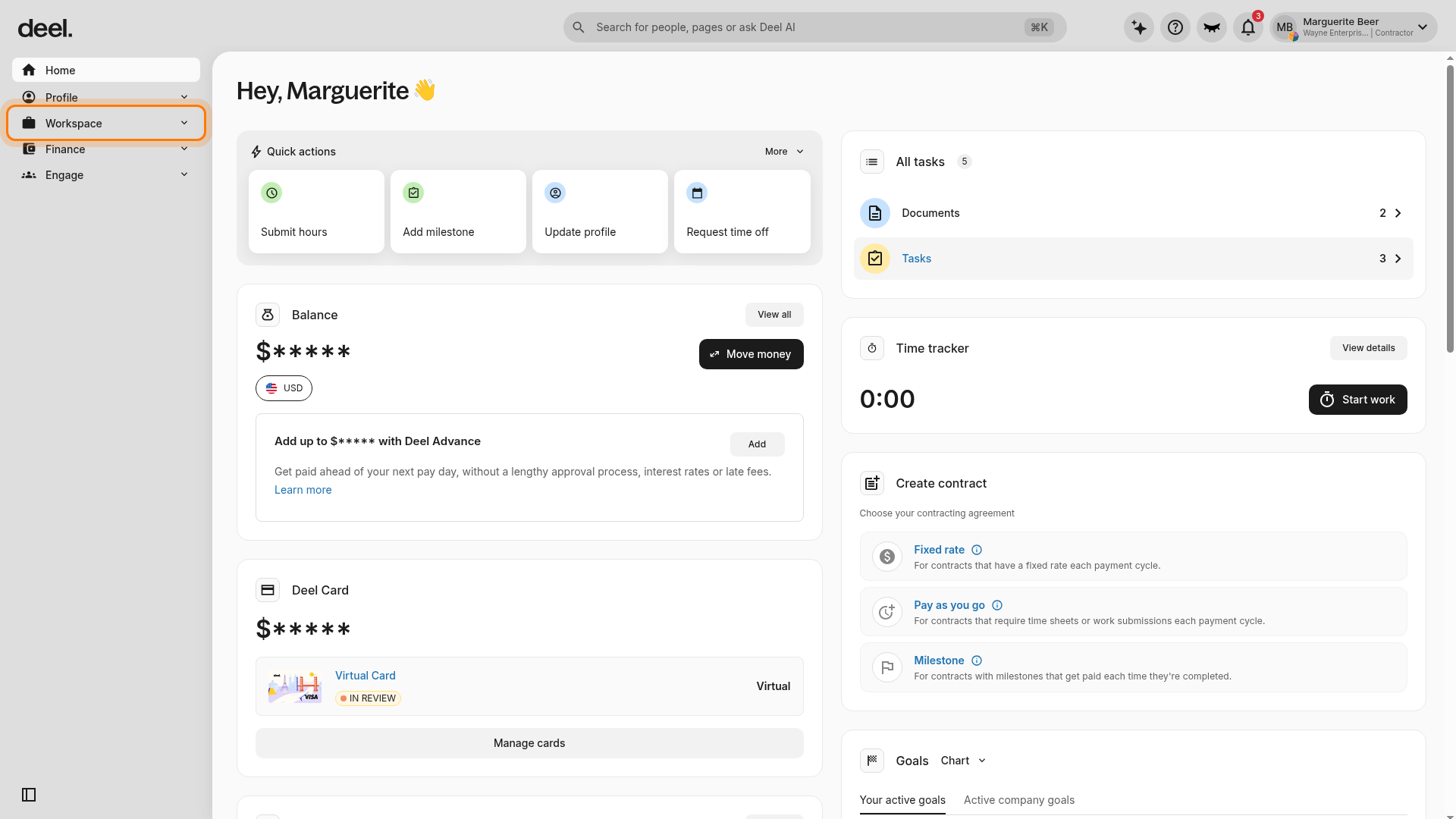
✅ Step 1 - Use the left sidebar to open Immigration from Workspace or Profile
Please note that this option will only be visible if the client has enabled the option for their workers.
In the left sidebar, select Workspace to expand its available navigation items, then select Immigration.
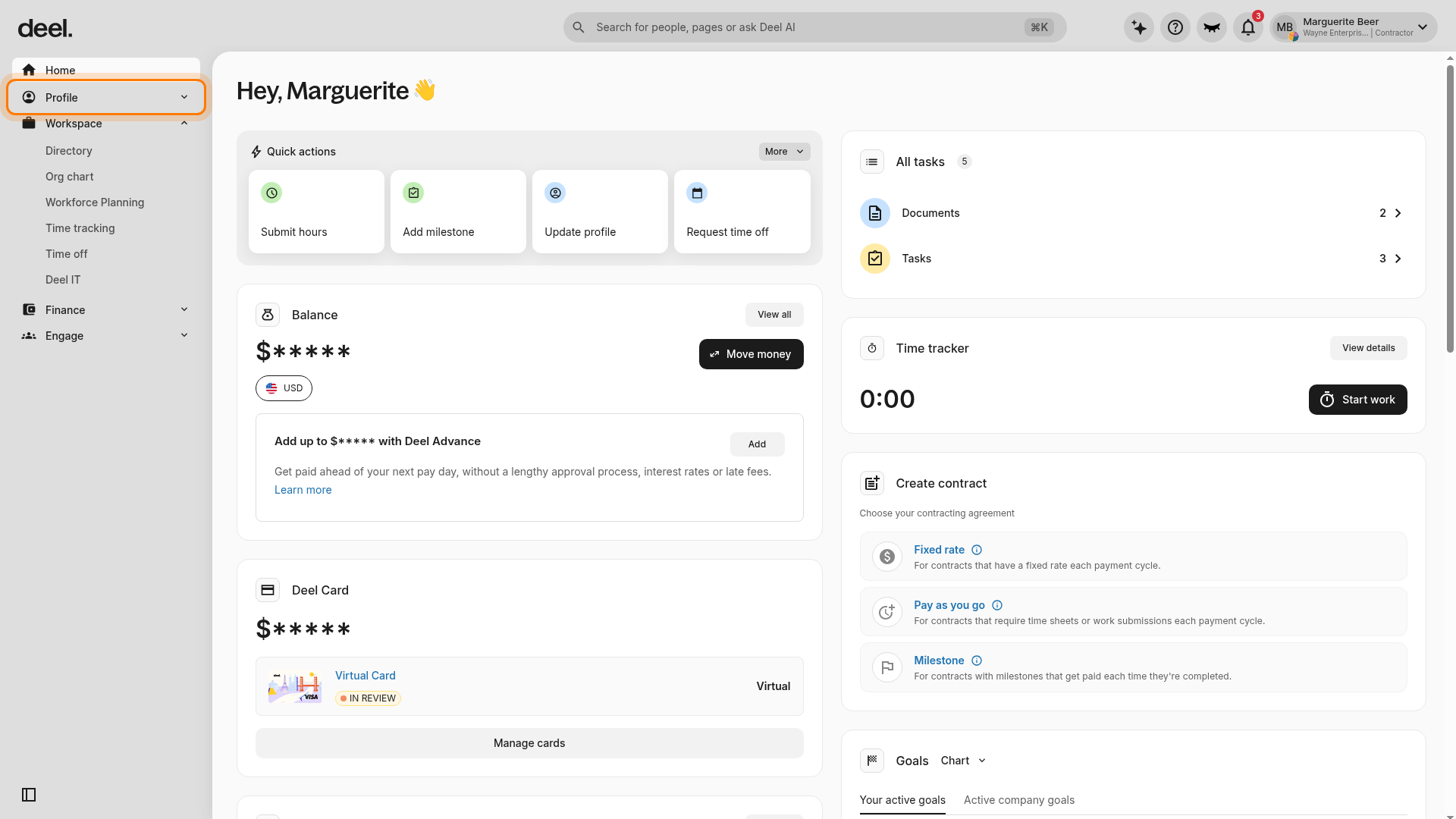
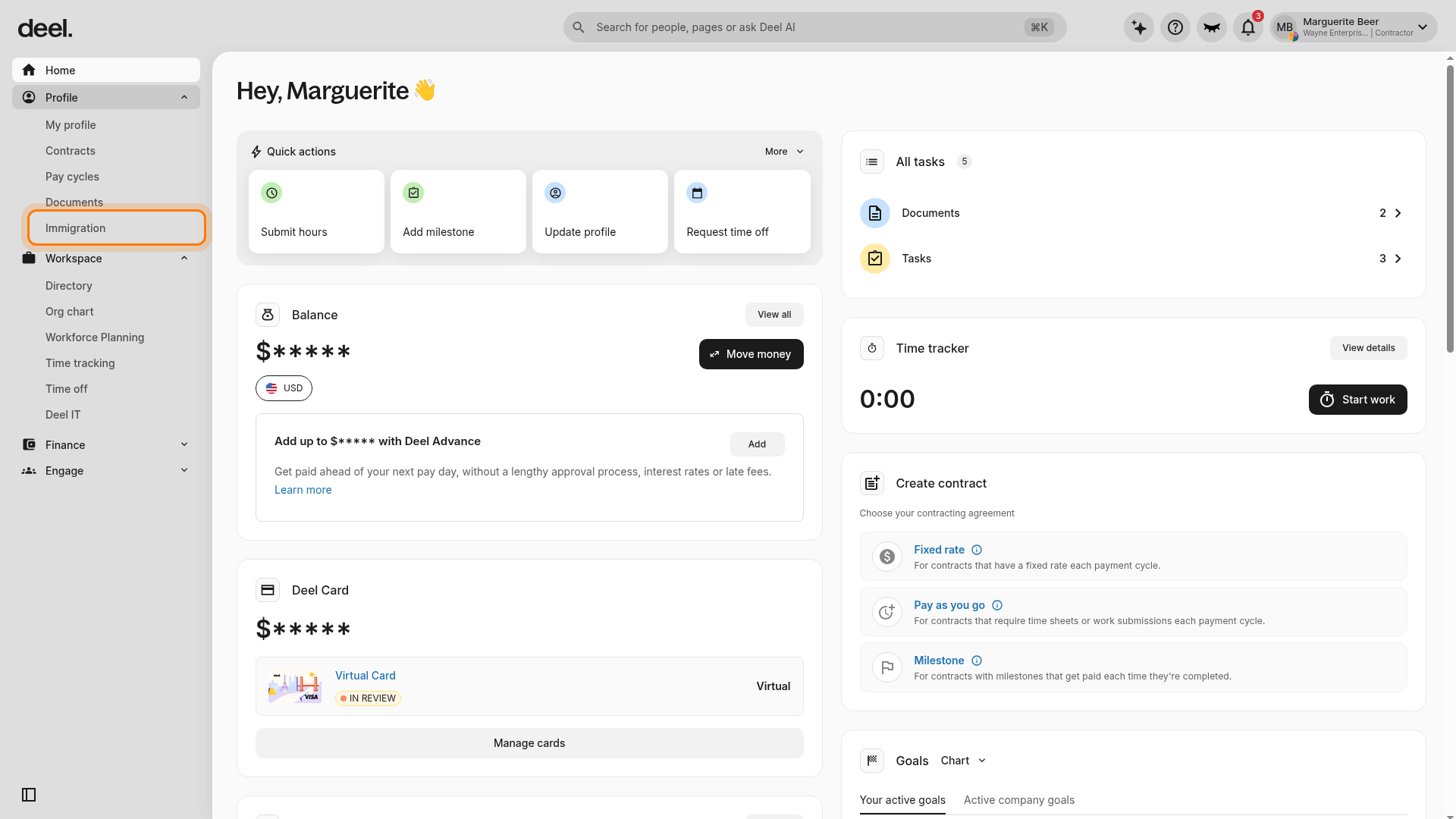
If Immigration is not listed under Workspace, expand Profile in the left sidebar and select Immigration from its submenu.
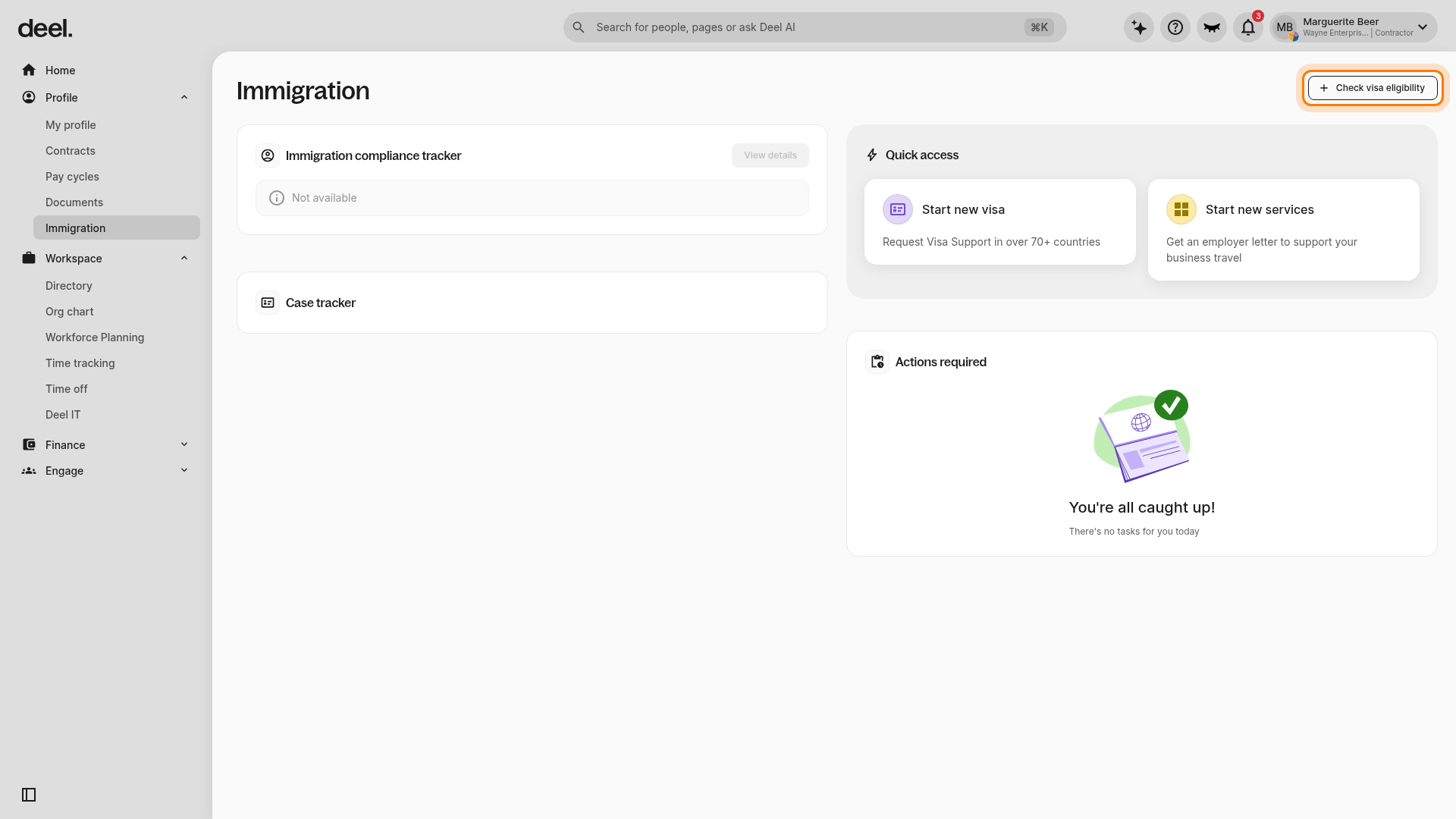
✅ Step 2 - Click Check Visa Eligibility
On the Immigration page, select Check visa eligibility in the upper-right corner.
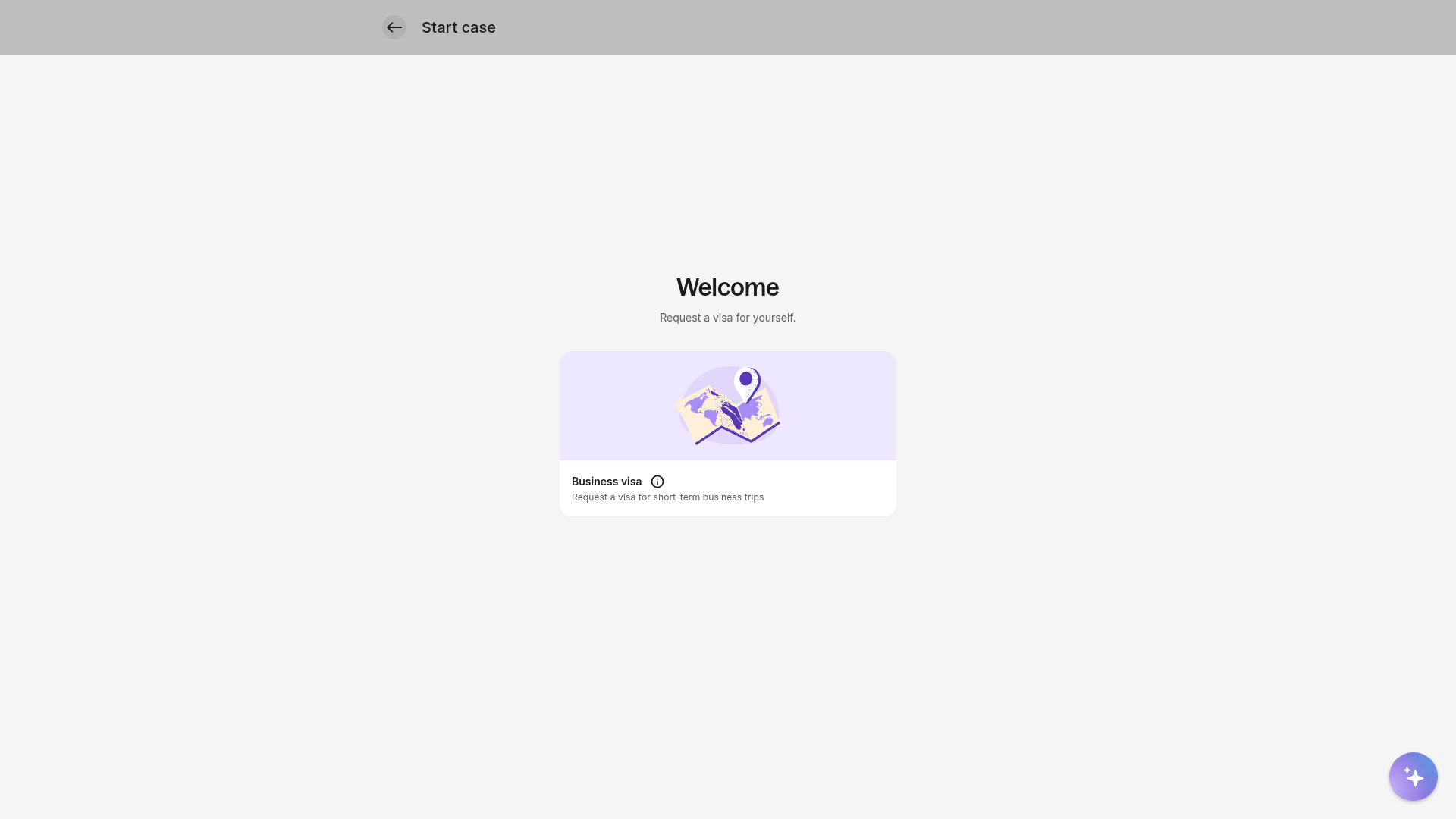
✅ Step 3 - Enter details about the upcoming business trip
On the Welcome screen of the Visa eligibility check form, select Business visa.
Workers will be asked to include:
- Destination country
- Travel dates
- Purpose of trip
Based on eligibility, they’ll be prompted to Create a Business Visa Case.
✅ Step 4 - Submit the request
After submission:
- A quote is automatically sent to the employer for approval
- The case will not proceed until the employer approves the quote
- Once approved, Deel or the assigned immigration vendor will process the case