
This article explains how Deel Payroll direct employees can request time-off on Deel.
The employer may even have created a customized time-off policy for workers, including a customized annual allowance of days, customized accrual period, and special time-off request options.
 If the employer uses an external provider for Time-Off services, the employee will need to request time off via that provider and not through Deel's platform.
EOR Employees are entitled to take a paid day off on Deel recognized holidays in their country of employment, and these days will not be deducted from a worker's PTO leave balance. Direct Employees are not entitled to the same paid-day-off guarantee; however, official public holidays in their country of employment are not deducted from their annual allowance.
Official public holidays in the country of employment will be automatically updated. Requests for time-off on a public holiday will not be subtracted from the annual allowance.
In this article:
How to edit or cancel time-off
How To Request Time-Off
✅ Step 1 – Make a time-off request
In the left sidebar, expand Workspace and select Time off. In some accounts, Workspace is the People-equivalent area.
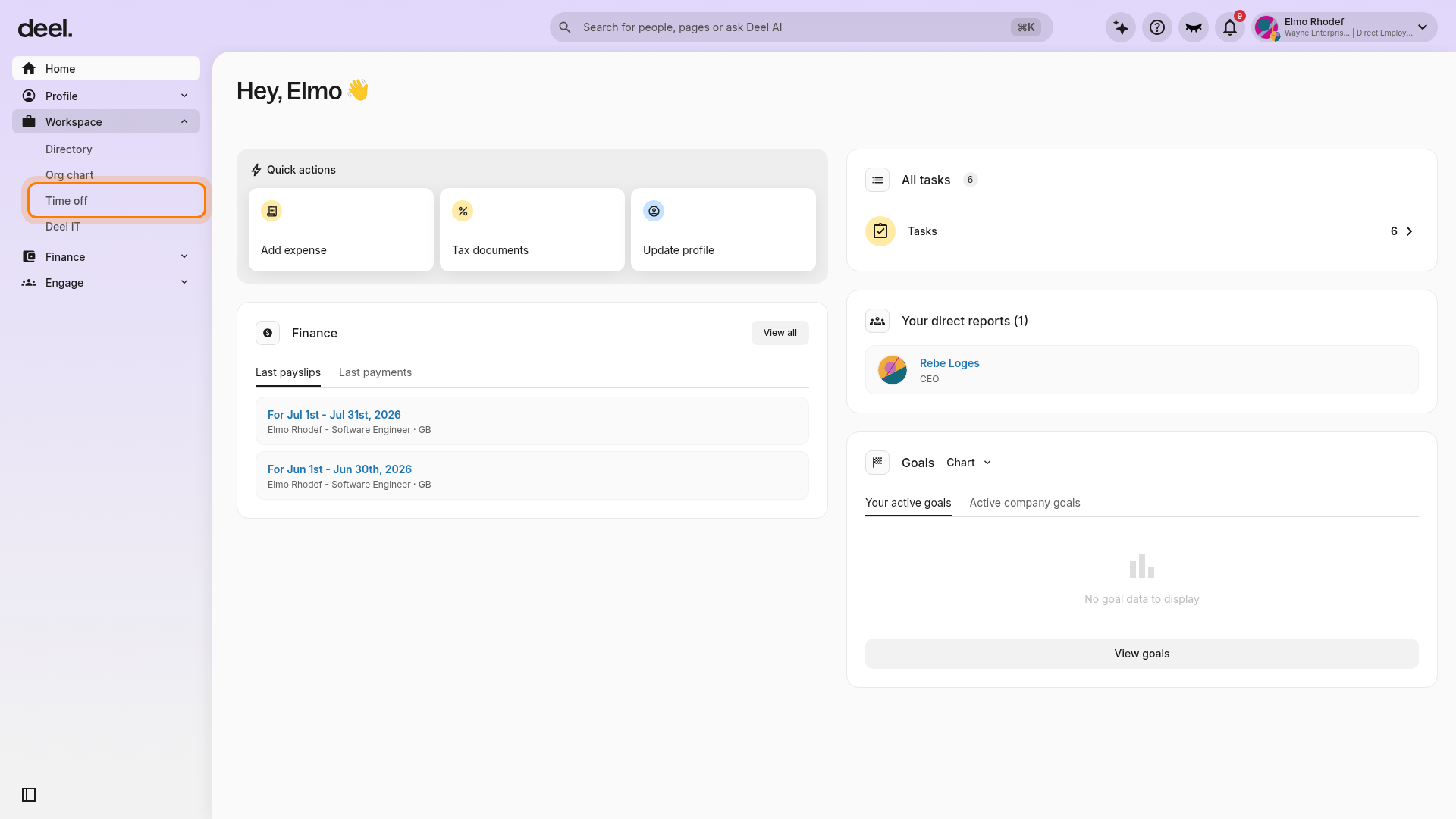
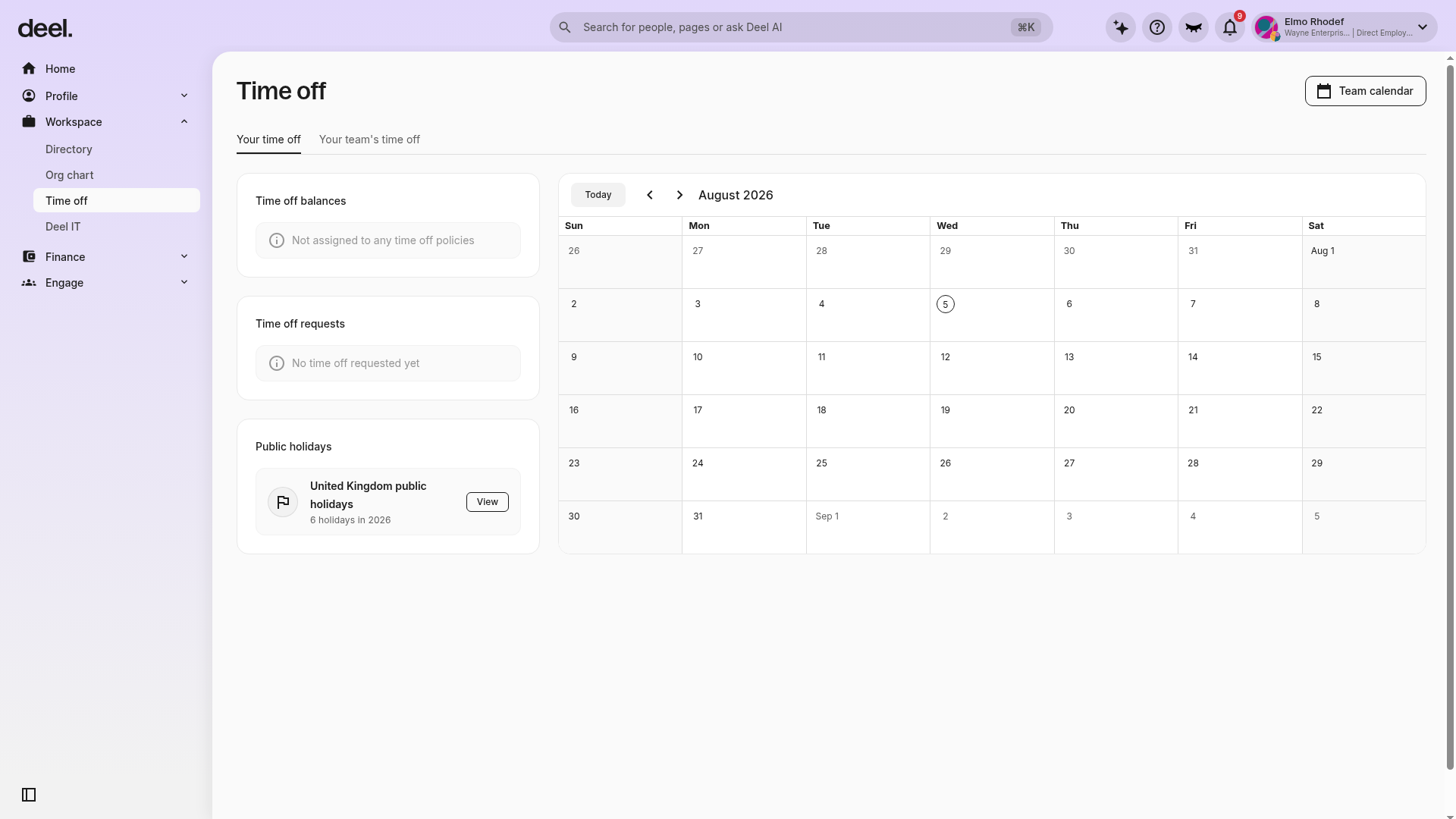
On the Your time off tab, review your balances, requests, and calendar. If the “Introducing new and improved time off” announcement appears, close it using the X in its upper-right corner.
Click the Request Time Off button.
If the Request Time Off button is unavailable and the Time off balances card displays Not assigned to any time off policies, ask your Deel administrator or HR team to assign an active policy to your profile. Return to Workspace > Time off after it has been assigned.
✅ Step 2 – Fill out time-off details
Select a time-off reason from the dropdown menu.
In addition to standard options like vacation or sick, the client may have created additional options as well.
Enter the start and end dates of the time-off request, and an optional description.
✅ Step 3 – Click Request Time Off
Click Request Time Off to submit the request.
We will send an email to the client to review the employee's time off request.
The request status will say Waiting for Approval until the client makes a decision. The status will then change to either Approved or Denied.
How To Edit Or Cancel Time-Off
✅ Step 1 – Select time-off period
In the left sidebar, expand Workspace and select Time off. If an informational announcement appears, close it using the X in its upper-right corner.
In Time off requests, select the time-off period you want to change or withdraw. The request details will open.
Employees can edit or cancel both approved or still pending requests when the request is eligible for changes or withdrawal.
✅ Step 2 – Edit or cancel time-off
Click Edit to make changes to the time-off request.
To cancel the request, click Cancel Time Off instead, then confirm the cancellation to withdraw the request.
✅ Step 3 – Fill out time-off details
By editing an approved time off period, the client will need to approve the request again.
Update the details and click Update Time Off.
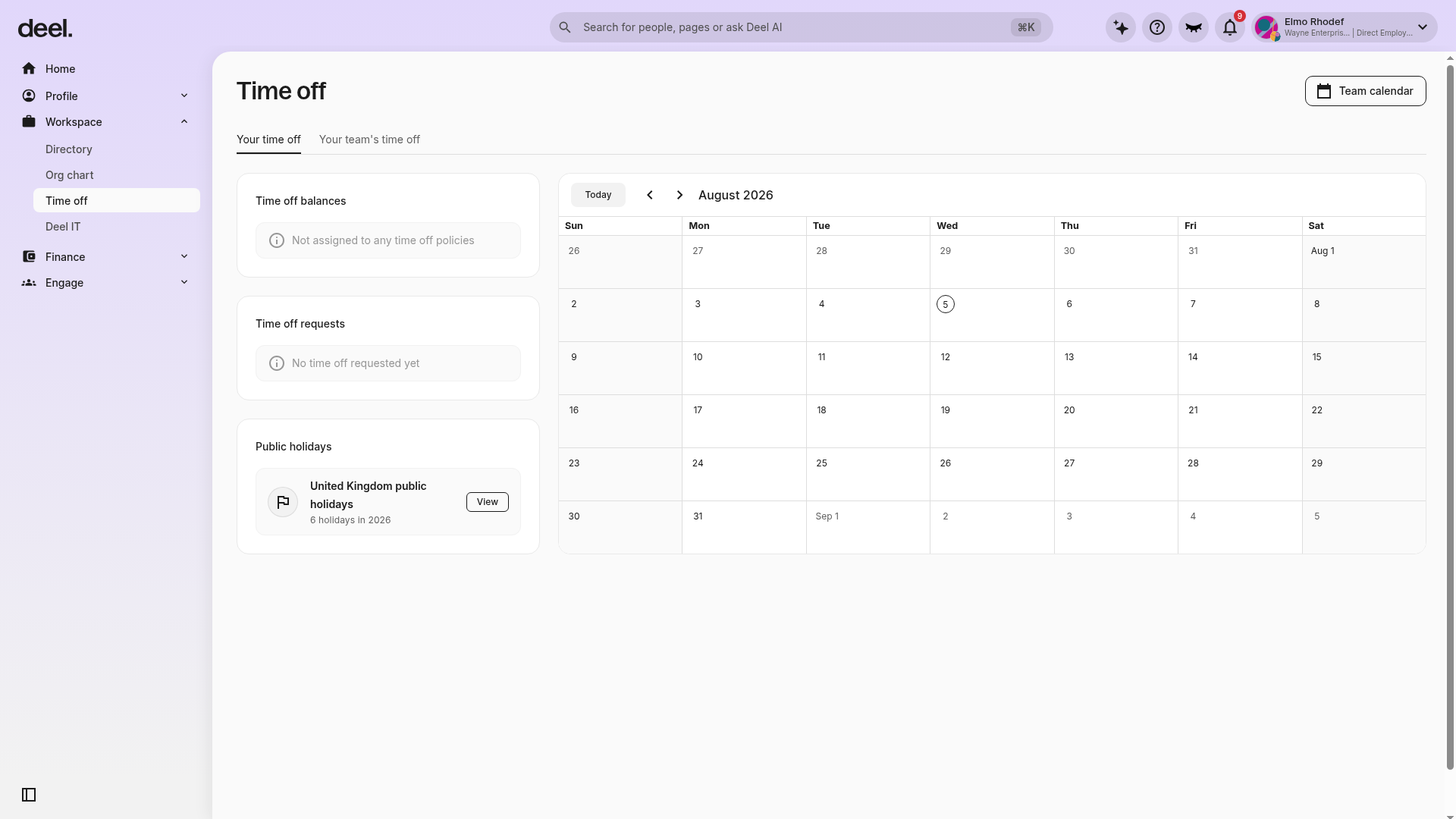
If No time off requested yet appears, submit a request before trying to edit or cancel one. If Edit or Cancel Time Off is not available after opening a submitted request, that request may not be eligible for changes or withdrawal. Contact your HR team or Deel administrator for guidance.
FAQs
[ACCORDION] Can employees request a half-day off?
If the employee's local jurisdiction permits it, they will be able to request half-day time off on the platform by toggling this option.
Employees can choose to make the start date a half day of paid leave, or the end date a half day of paid leave, or both.
[ACCORDION] Can employees request unpaid time off?
Yes, when employees fill out a time-off request on Deel they can select the option to request unpaid time off.
[ACCORDION] Can employees request time off during their termination notice period?
Yes, time off requests are not restricted based on approaching termination. Employees could take off time during their notice period, up to and including the contract end date.
[ACCORDION] What happens if an employee requests time-off during a holiday?
Requests for time-off on a public holiday will not be subtracted from an employee's annual allowance.
It must be an official public holiday in the employee's country of employment.
[ACCORDION] Is there an expiration date if employees carry over unused time-off time to the next year?
Employees will have one year to use up any rollover time-off dates that carried over specifically from the previous year.
We are working on a configurable system so that clients can specify the rollover expiration date, and hope to release it shortly.