
If a US Global Payroll direct employee has a qualifying life event (QLE), this will make them eligible to update their benefit elections. However, the employee must notify their employer first that they’ve had a QLE.
This article shows how a US direct employee can submit a QLE request to their employer, where available.
✅ Step 1 - Select Special Enrollment Period Requests
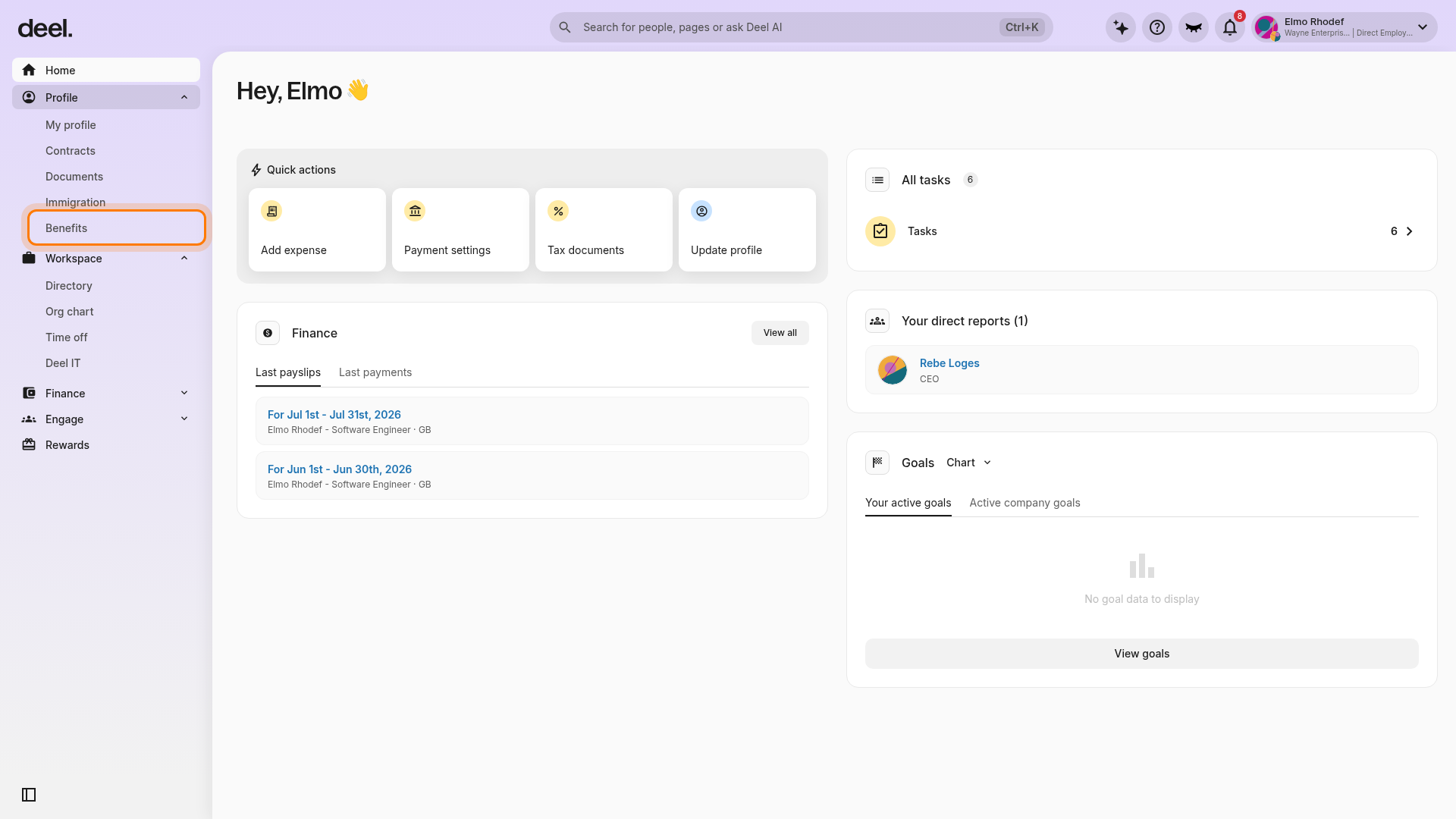
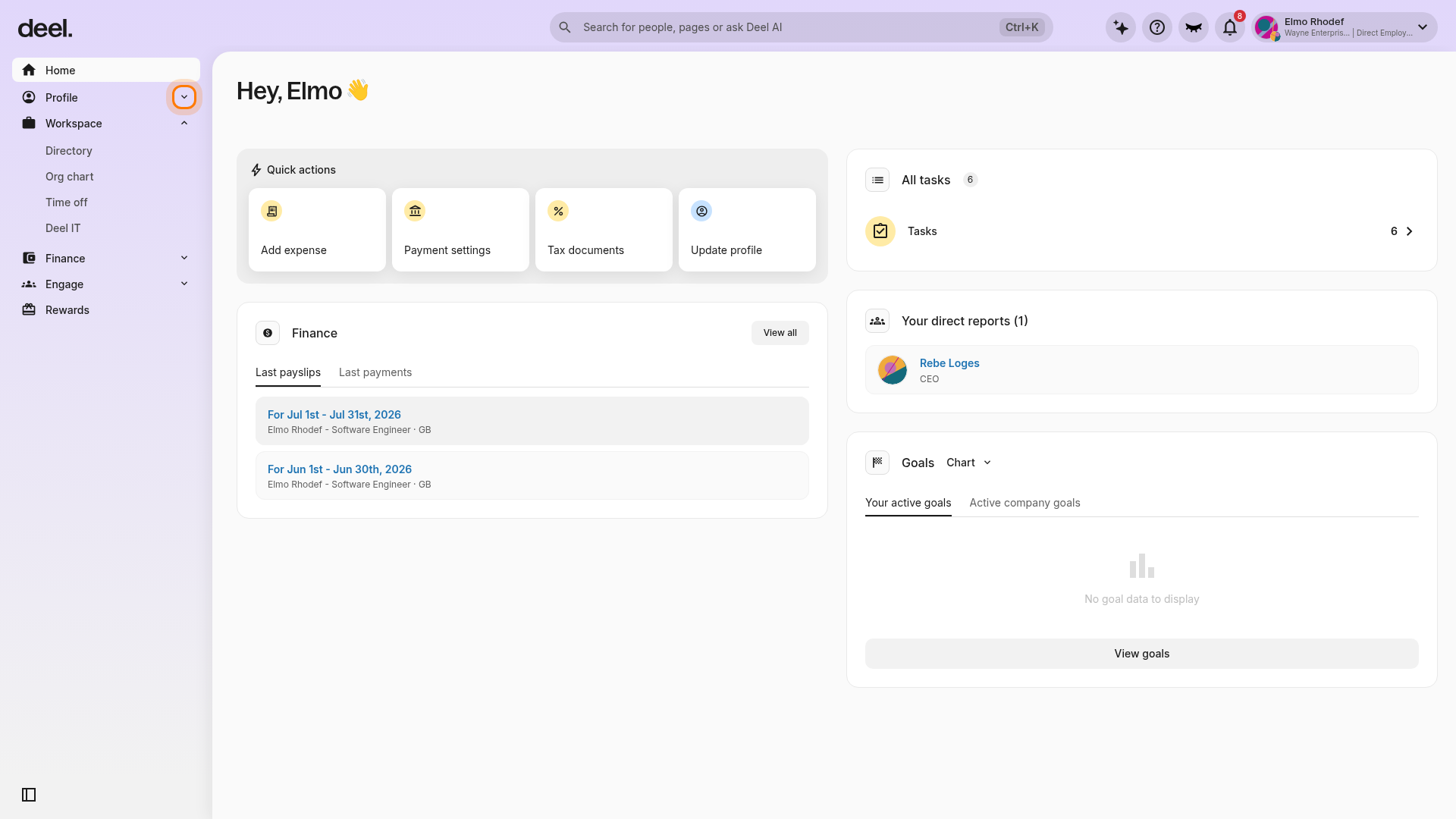
From the Deel Home dashboard, expand Profile in the left sidebar and select Benefits. Benefits is located under Profile, not Workspace.
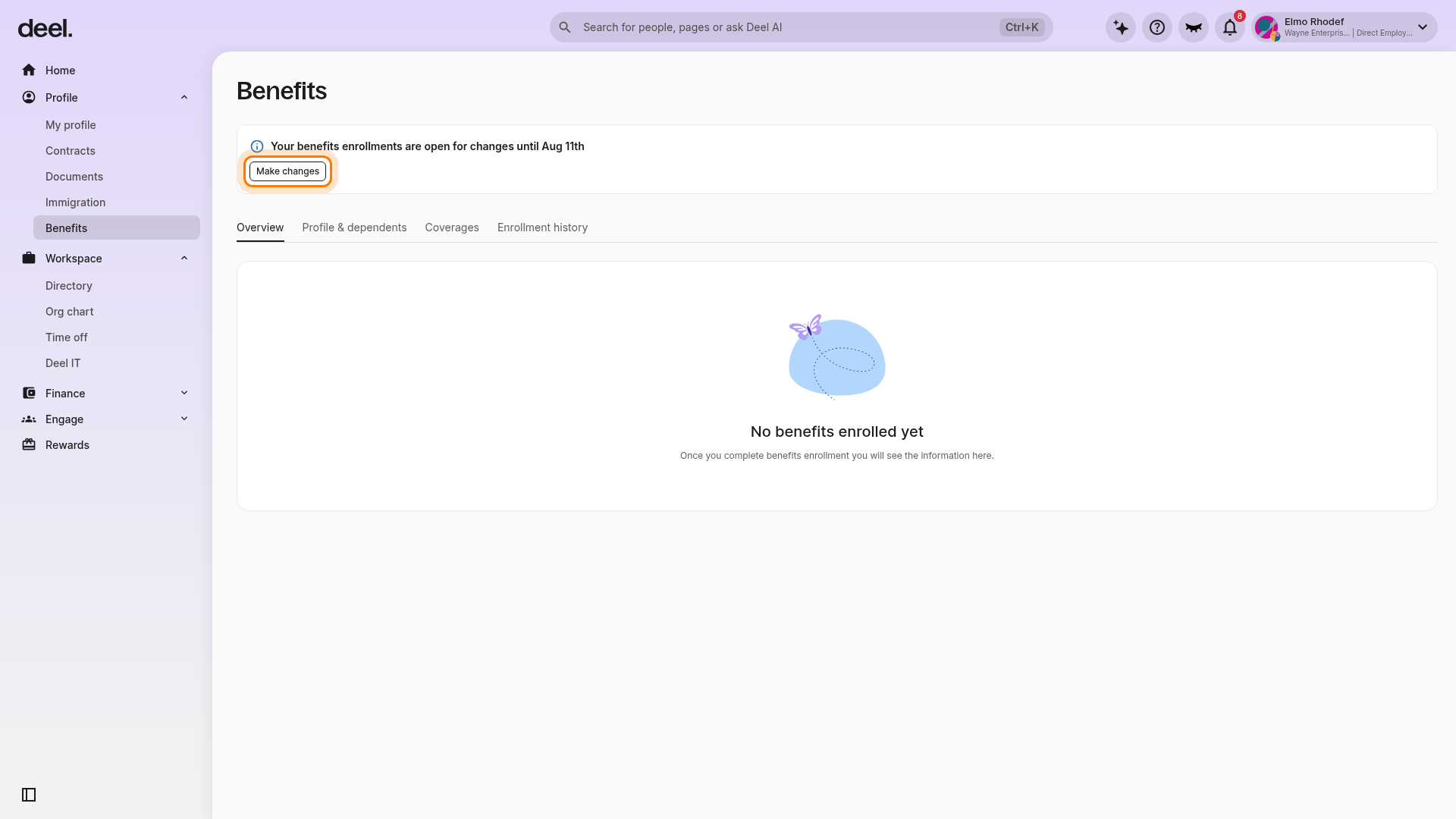
On the Benefits page, select the Overview tab. In the enrollment-status notice at the top of the page, select Make changes to begin the QLE enrollment flow. This action replaces the former Submit Qualifying Life Event button.
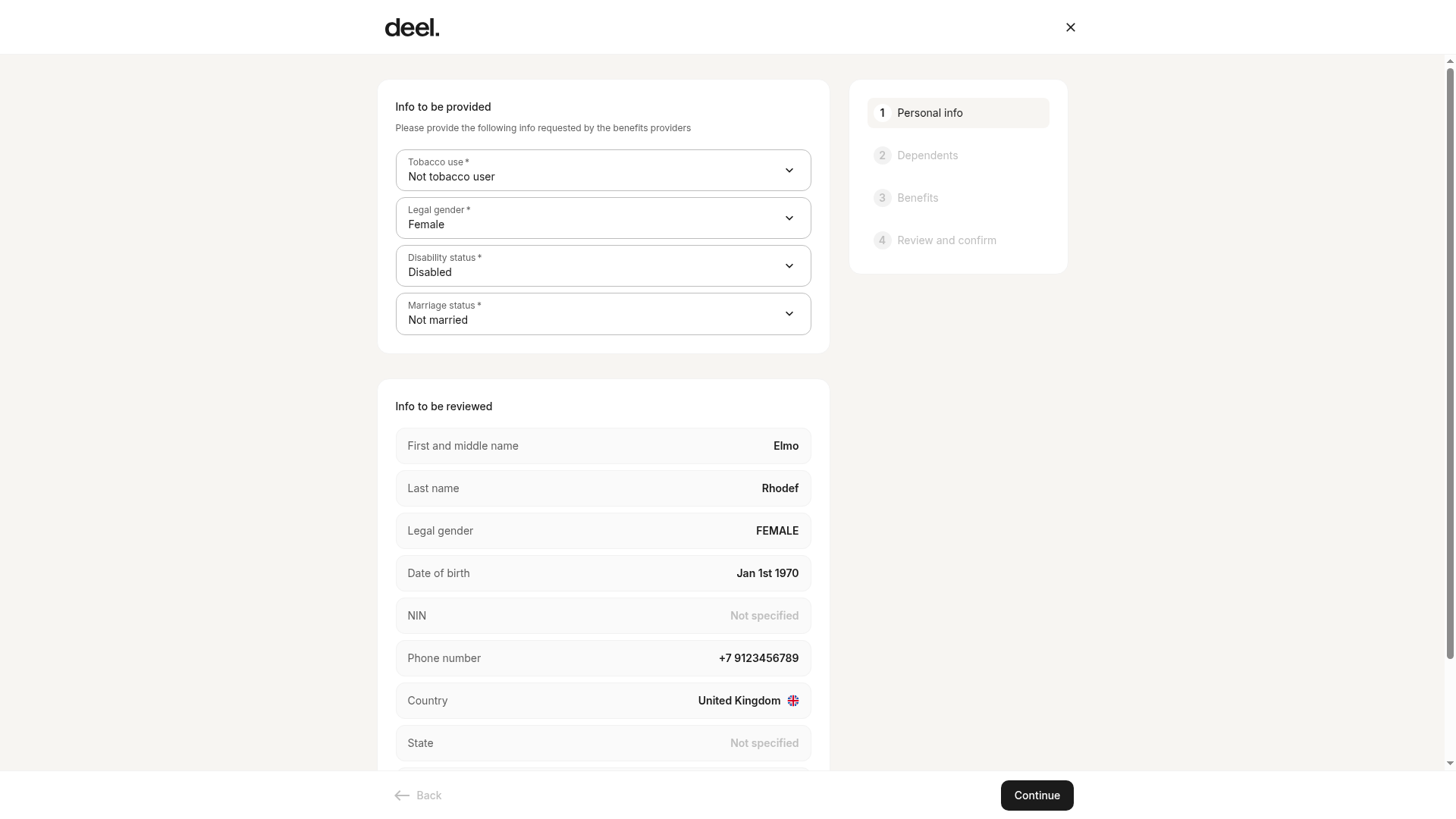
The enrollment form opens at 1 Personal info. Complete the required personal-information and attestation fields, then select Continue.
✅ Step 2 - Fill in the Qualifying Life Event details
Select an event type from the dropdown, such as marriage, birth, or loss of coverage. Select Other if your event is not listed.
Provide the event country and event date. The event date must be today or in the past. Upload supporting documentation, such as a birth certificate when adding a child, and add a description explaining the requested change.
Update the required attestations and personal information requested by your benefits providers. Fields may include Tobacco use, Legal gender, Disability status, and Marriage status. Review and confirm your personal information before continuing.
✅ Step 3 - Choose benefits
In the Dependents step, add, remove, or update dependent demographic details as needed for the event.
In the Benefits step, make benefit elections or changes tied to the event. The event type does not restrict enrollment changes; your employer approves changes based on the QLE request.
In Review and confirm, review all selections and sign the Terms & Conditions. Select Submit to complete the request.
Changes remain in Awaiting Approval status until your employer reviews them. Once reviewed, the request status updates to Approved or Rejected. Status is visible under both the Overview and Enrollment history tabs.
Workers will receive an email when the request is either approved or rejected, and will see a notification on the Deel platform. If the request is rejected, they will receive a notification with the reason for rejection.