
After you set up White Label, you can update your organization’s Custom branding settings at any time. Custom branding is the current name for the former White label settings.
To update the Custom branding settings:
- Select the Organization settings cog icon to open All Settings.
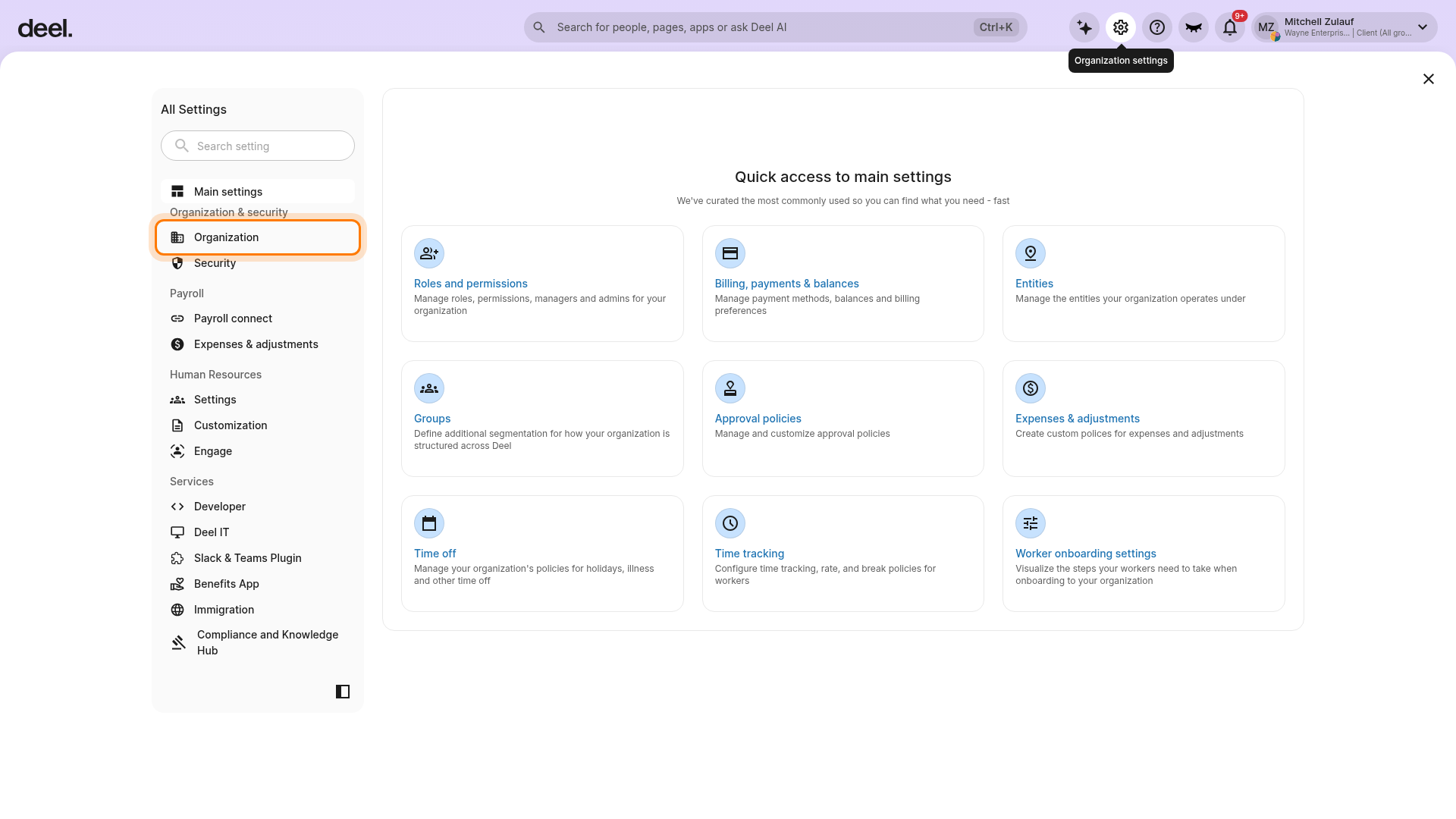
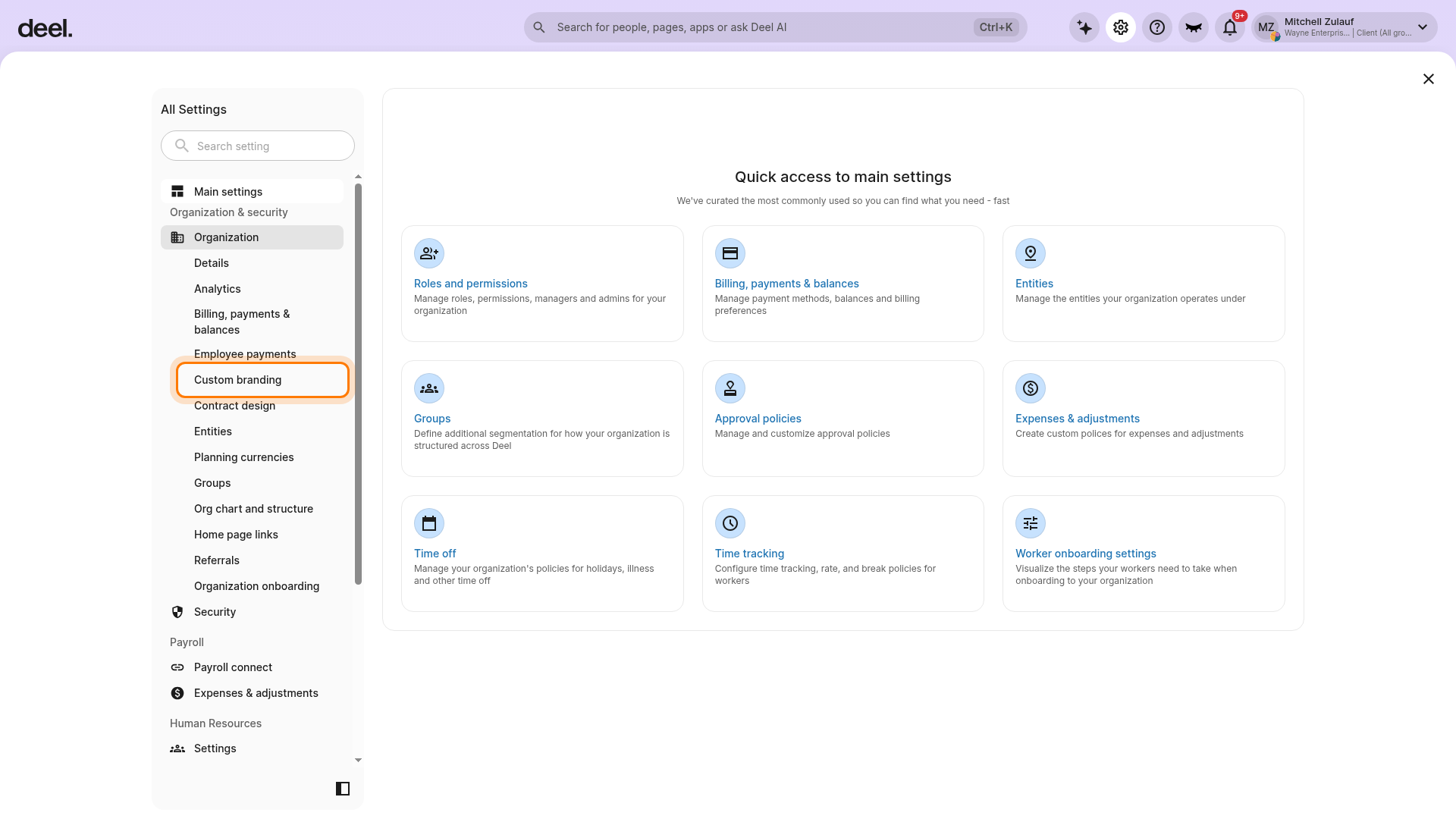
- Under Organization & security, select Organization, then scroll within the Organization settings list and select Custom branding.
-
On the Custom branding page, modify the settings as needed. Each tab focuses on a different area of your configuration.
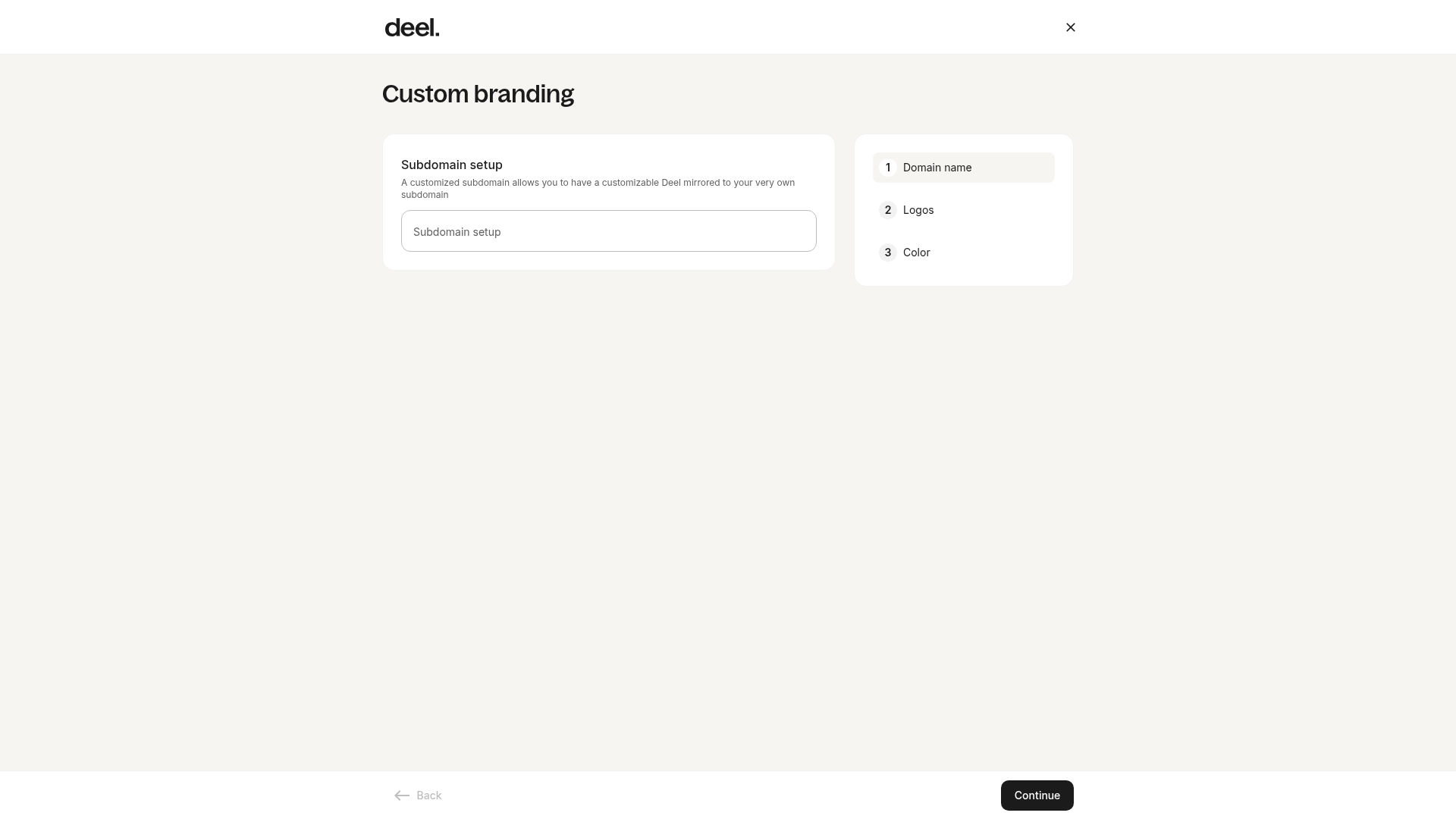
- In the General tab, edit your organization name, logo, colors, and custom domain.
- In the Emails tab, update the sender name and address, and adjust header and footer colors and logos.
- In the Login page tab, change the headline, description, background color, and logo, then preview the result.
-
In the Manage features tab, enable or disable Deel modules.
| Feature | Comments |
|---|---|
| Enable AI | Activates AI-based chat and insights for employees. |
| Enable Powered by Deel | Displays a Powered by Deel watermark in selected areas. You can configure this per worker type. |
| Enable Redirect Banner | Adds a banner on the homepage that links to your platform. |
| Enable Engage | Gives access to performance and learning modules. |
| Enable Services | Allows employees to view and use available services. |
| Enable Plugin | Adds productivity and collaboration plugins for Slack. |
| Enable Consulting Services | Grants access to Deel consulting modules. |
| Enable Tools | Provides clients and employees with a toolkit for managing global hiring processes. |
| Enable Anonymous Reporting | Enables confidential workplace reports. |
| Enable Compensation Cycles | Adds tools for managing compensation plans and changes. |
| Enable Knowledge Hub | Provides access to an internal resource hub. |
| Enable AI Workforce |
Provides access to Deel’s AI workforce features. To learn more about them, visit Deel AI Workforce. |
| Enable Rewards |
Allows employees to access global discounts on travel, technology, lifestyle, and other products. |
| Enable Talent Sourcing |
Connects teams with recruiters to help source qualified global talent. |
| Enable App Store |
Lets organizations connect third-party tools and manage integrations in one place. |
| Enable Org Chart |
Displays the organizational structure and supports tracking team's milestones. |
| Enable Developer Center |
Gives access to API tools so teams can sync data and automate workflows. |
| Enable Automation |
Supports automation of routine tasks and critical employee changes. |
| Enable Workforce Planning |
Provides tools to plan and manage workforce structure and costs. |
| Enable Immigration |
Gives access to visa and permit management support. |
| Enable Background Checks |
Allows teams to run background screening across supported countries. |
| Enable Deel Academy |
Provides access to self-paced courses on global management topics. |
| Enable Help Center |
Provides access to Deel's public knowledge base for self-service support. |
| Enable FAQ |
Displays standardized responses to common questions to reduce support requests. |
| Enable Global Payroll |
Provides tools to manage global payroll operations and compliance. |
4. Click Review changes. On the Review Changes dialog, make sure that the changes are correct, then click Publish.
After publishing, the updated settings become available in your organization.