
EOR employees, Global Payroll direct employees, Deel Payroll – US employees, and PEO employees may be able to add up to 5 bank accounts on their Deel account and split their salary distribution between accounts.
Where available, splitting salary between multiple accounts may be useful for employees who use different bank accounts to pay bills, build savings, or handle expenses and taxes.
In this article:
How to Add a Bank Account on Deel
How to Split Salary Between Bank Accounts
How to Add a Bank Account
✅ Step 1 - Open the Bank Account page
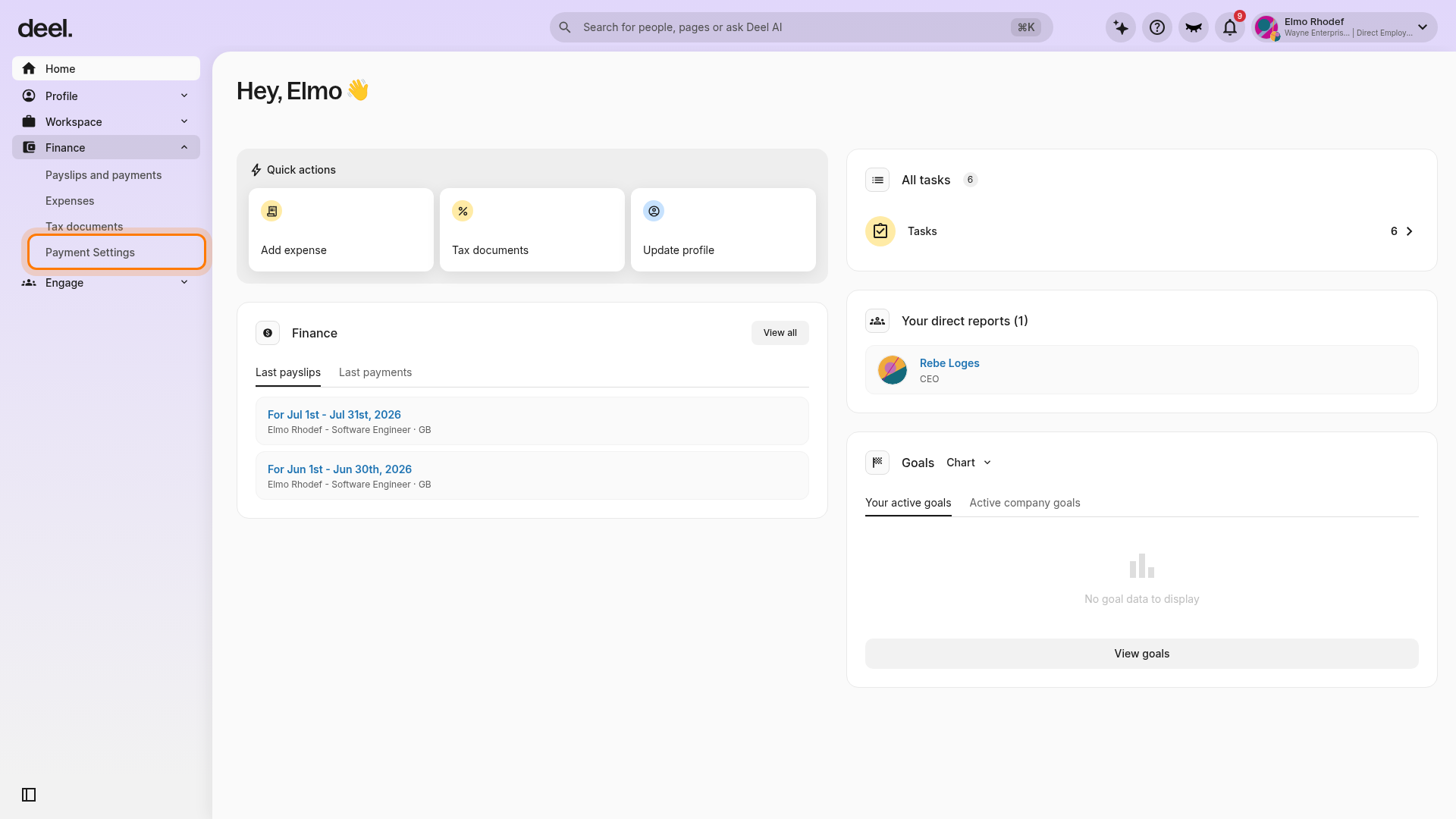
In the left sidebar, select Finance and then click Payment Settings.
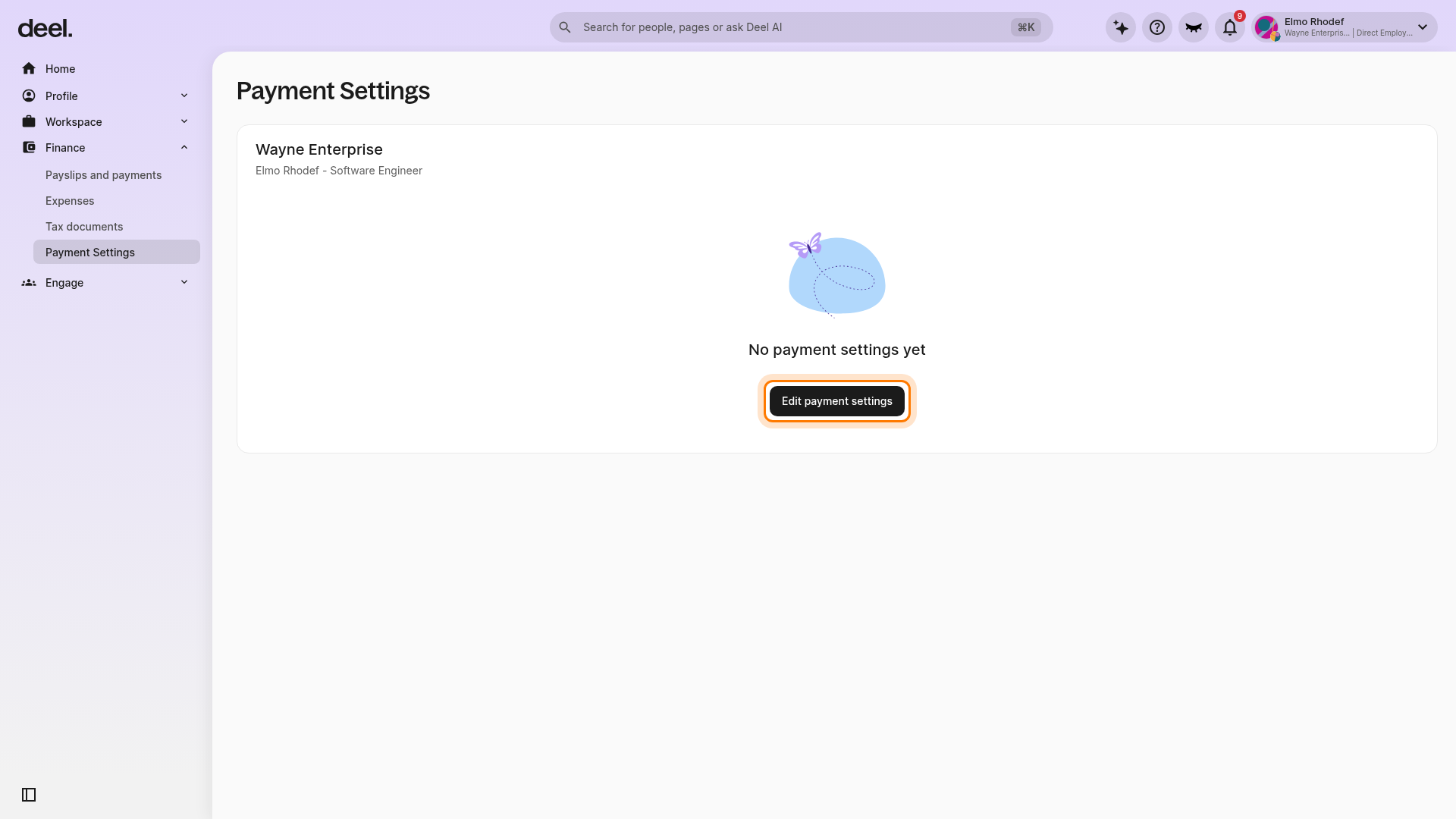
On the Payment Settings page, click Edit payment settings. If the page displays No payment settings yet, this button appears below that message.
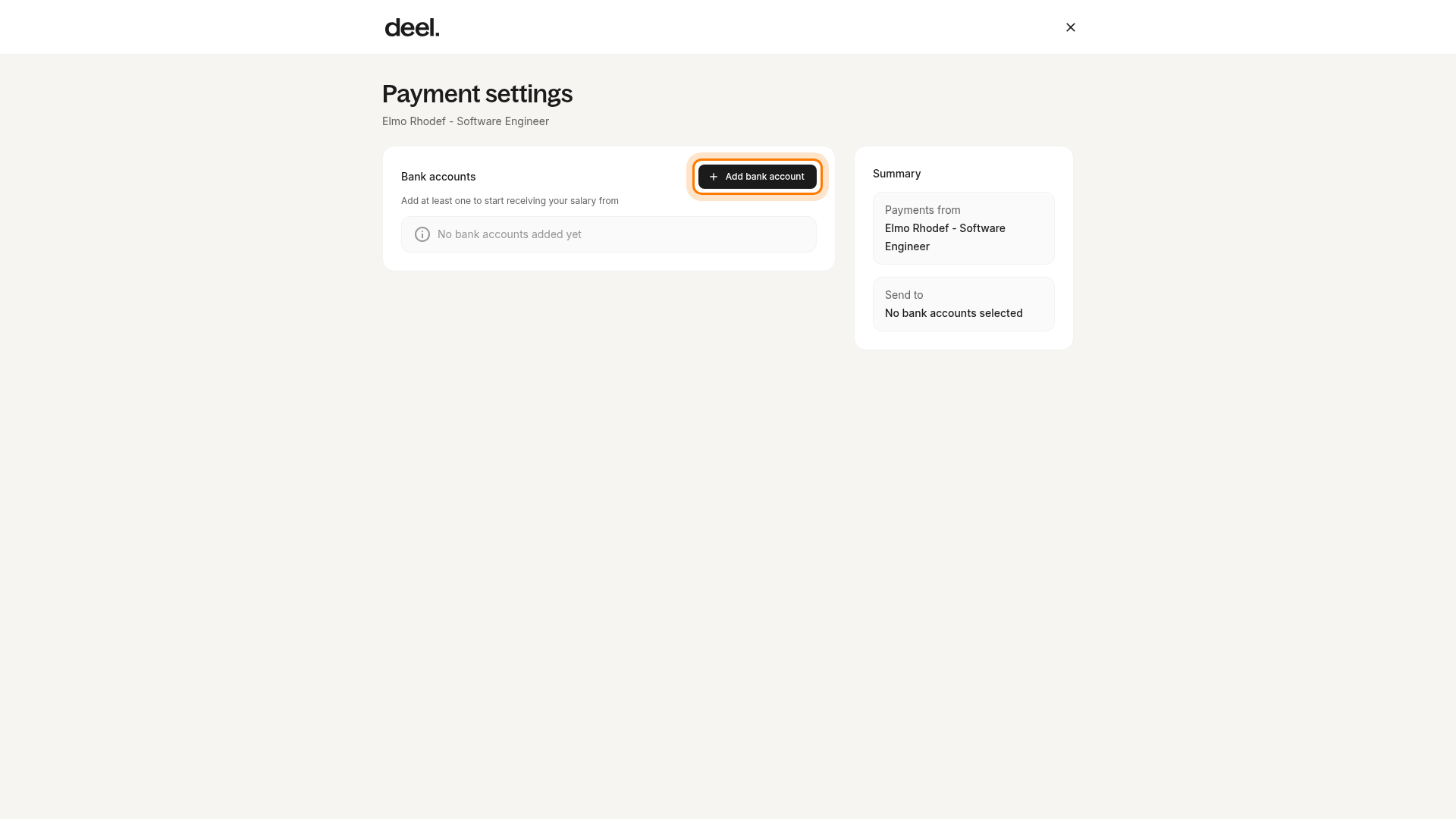
In the payment preferences view, find the Bank accounts section and click Add bank account.
✅ Step 2 - Add account details
In the Add bank account side panel, enter an optional Account Custom Name to help identify the account in Deel, then click Continue.
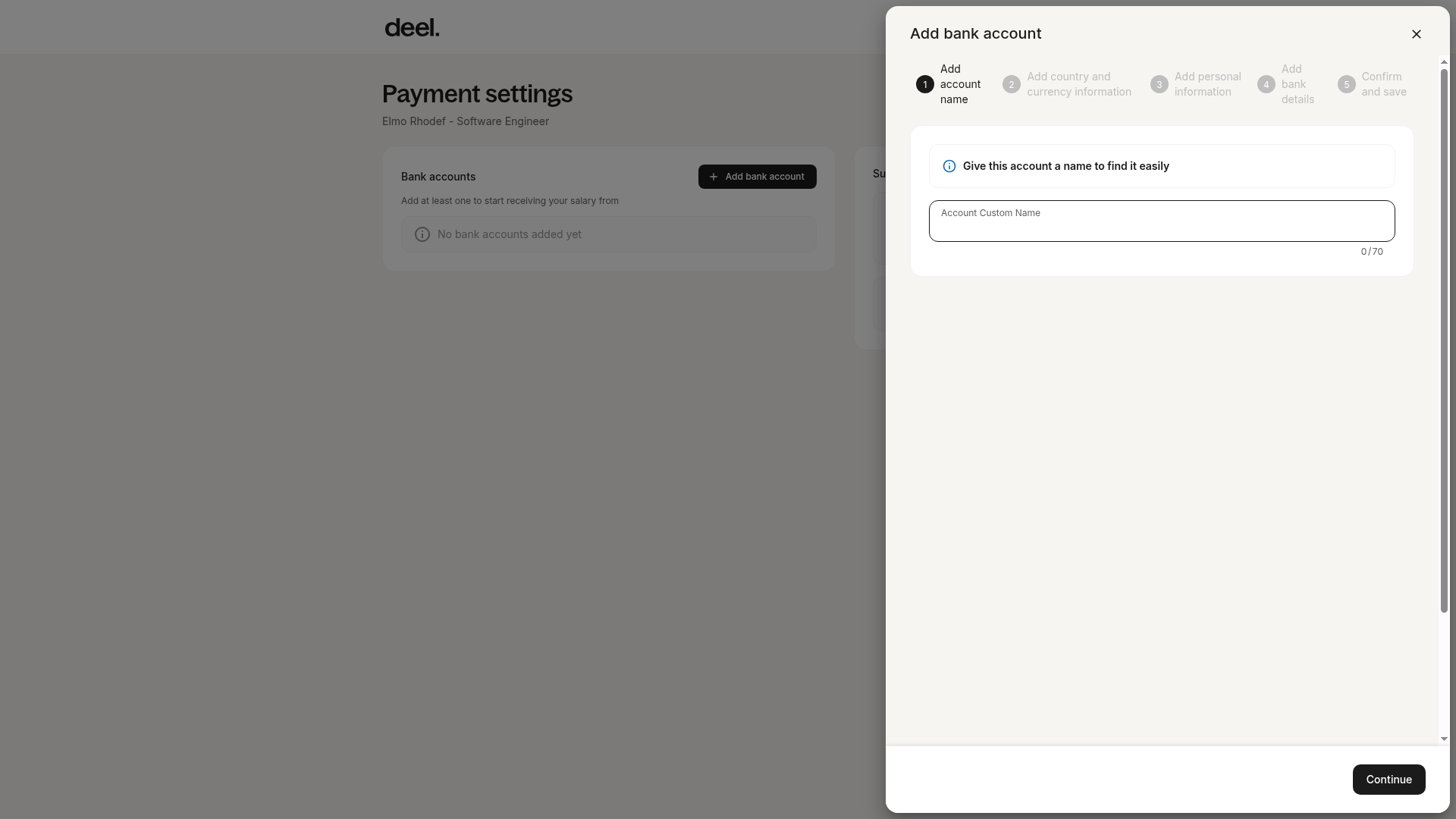
Choose the account location and currency for the payment.
Enter details like the account number, bank name, and account type.
✅ Step 3 - Add personal information
Employees will need to enter their name, address, and contact information.
The name must be the full name as it appears on their bank account.
Please ensure that the address entered matches the address registered with the bank.
✅ Step 4 - Save account
Review the account details and then click Save.
How to Split Salary Between Bank Accounts
- This feature is available in all countries where Deel operates. However, adding multiple bank accounts isn’t available to all employees, as clients can choose to restrict this feature at the entity level by contacting our support team or their CSM.
- Additionally, clients must also contact support or their CSM to enable salary distribution and to activate the option to distribute by fixed amount in addition to percentage.
✅ Step 1 - Open the Bank Account page
Before you begin, make sure at least one bank account is already listed in Bank accounts.
In the left sidebar, select Finance and then click Payment Settings.
Click Edit payment settings to open the payment preferences view.
Click Edit on the Salary distribution option.
Employees will only see this button if the option of adding multiple accounts was enabled by the client.
✅ Step 2 - Split the salary payment
Change the percentage of the salary to be distributed between bank accounts. The minimum allocation for any account is 1%, and decimals are not allowed.
The summary box will show the percentage distribution and indicate when the changes will take effect. Review the distribution and click Save.
If the cut-off date for the current payroll cycle has passed, the changes will go into effect from the following cycle.
Employees will see on the platform the payroll cycle dates from which the changes will go into effect.
For off‑cycle payments and adjustments, the percentage and amount distribution also applies to off‑cycle payments and expenses paid through Deel.
FAQs
[ACCORDION] Will the client know how employees distribute their salary?
No. The client will not know if the salary is deposited into one account or split among multiple bank accounts.
[ACCORDION] Can employees add a bank account from a different country than where they work?
Only EOR and Global Payroll employees in SEPA (Single Euro Payments Area) countries can add an international bank account from another SEPA EUR country that is different from their contract’s employment country.
Deel Payroll – US employees cannot add a bank account from outside the US.
⚠️ Note: Using an international account may cause unknown delays in receiving payments, foreign exchange costs, and third-party processing fees that Deel cannot control or predict.
Employees must manually confirm they understand and still wish to use an international account.