
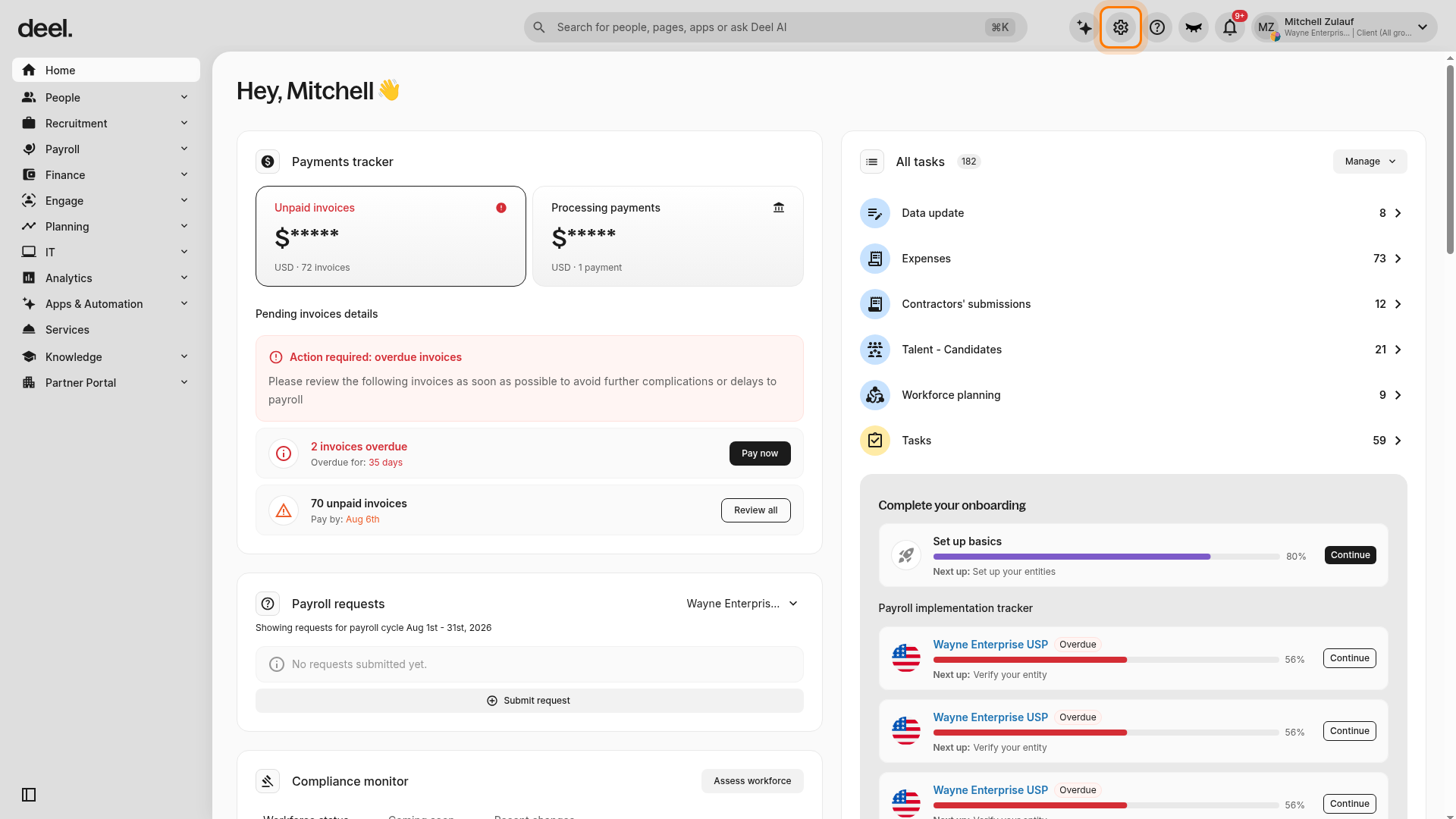
1- Click the Organization Settings gear icon
In the top-right corner, click the Organization settings gear icon.
The Organization settings panel opens with an All Settings menu on the left.
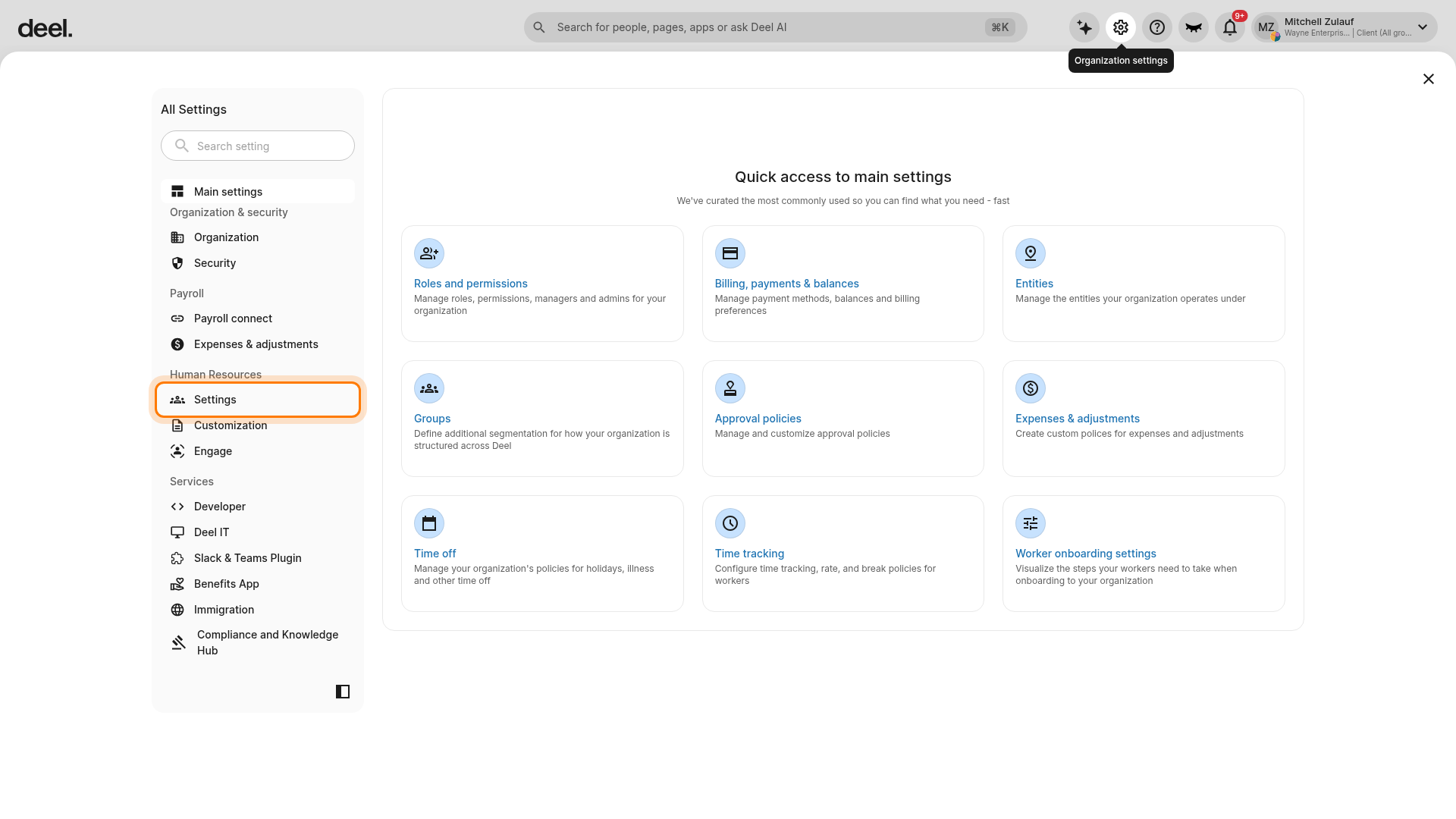
2- Select Settings in the left-hand menu, then select Compensation
Under Human Resources in the left-hand All Settings menu, click Settings to expand its sub-items.
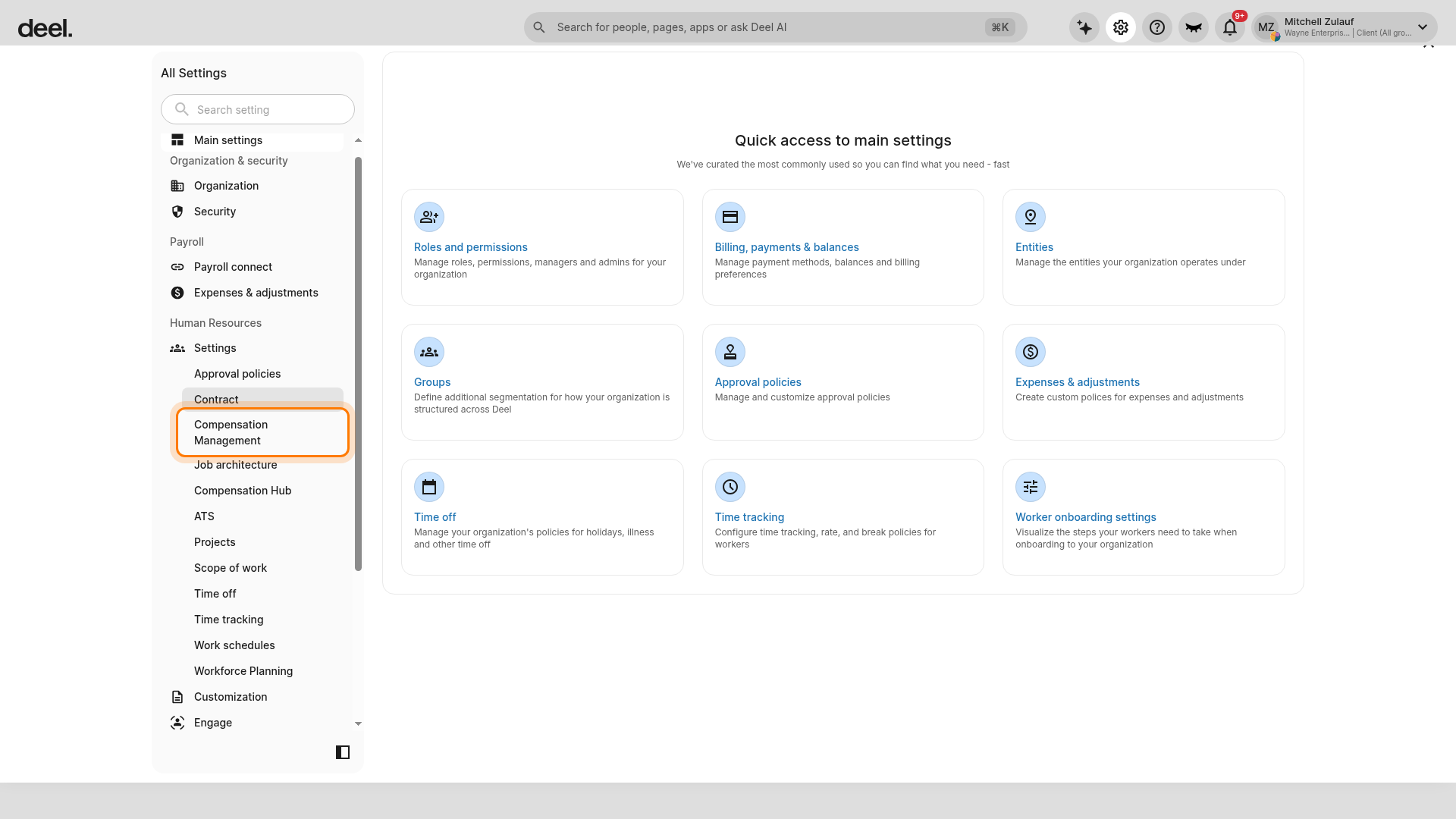
In the expanded list, click Compensation Management. If it is not visible, scroll within the left-hand settings menu.
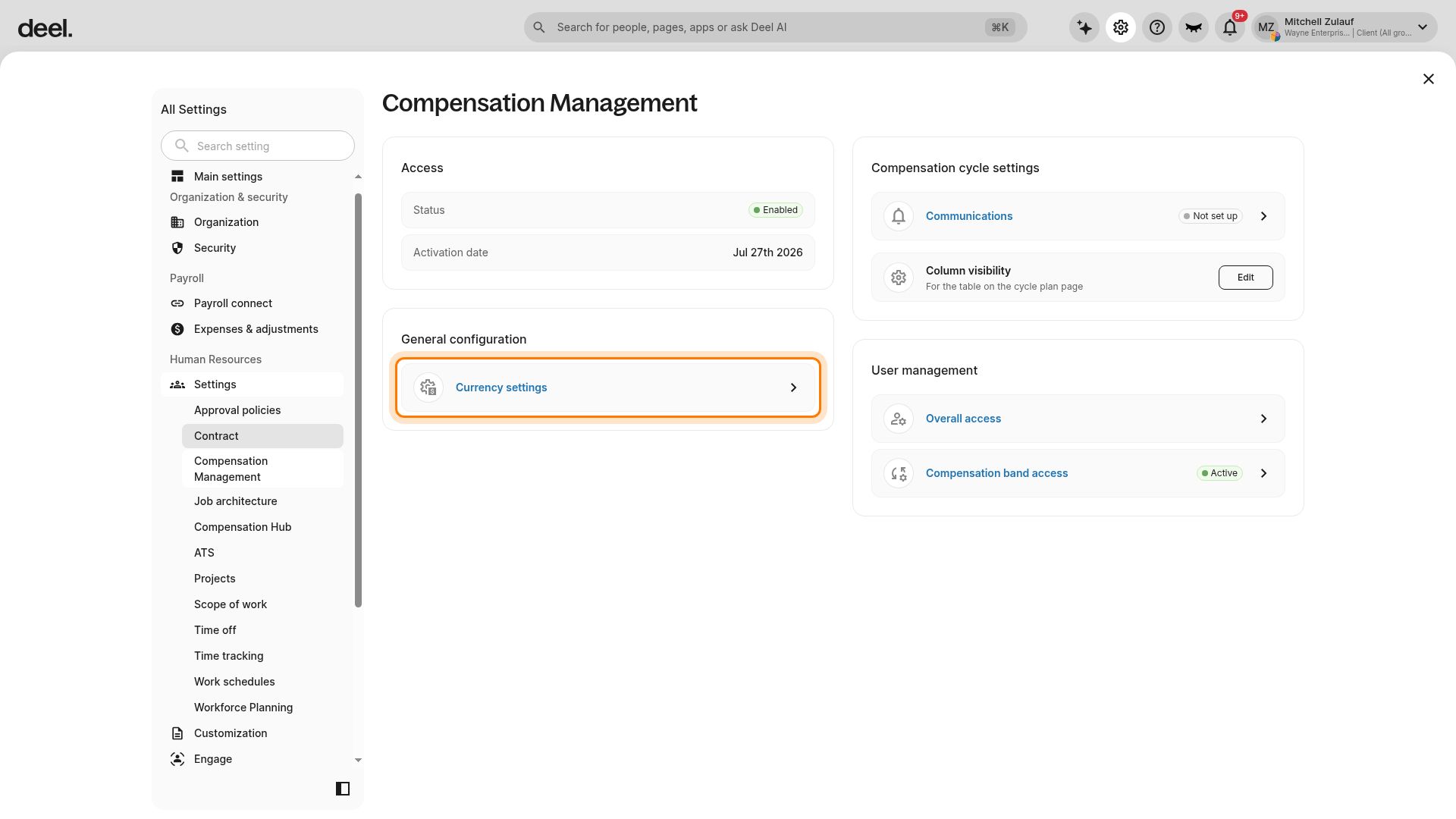
3 - Click Currency Settings
On the Compensation Management page, in General configuration, click Currency settings.
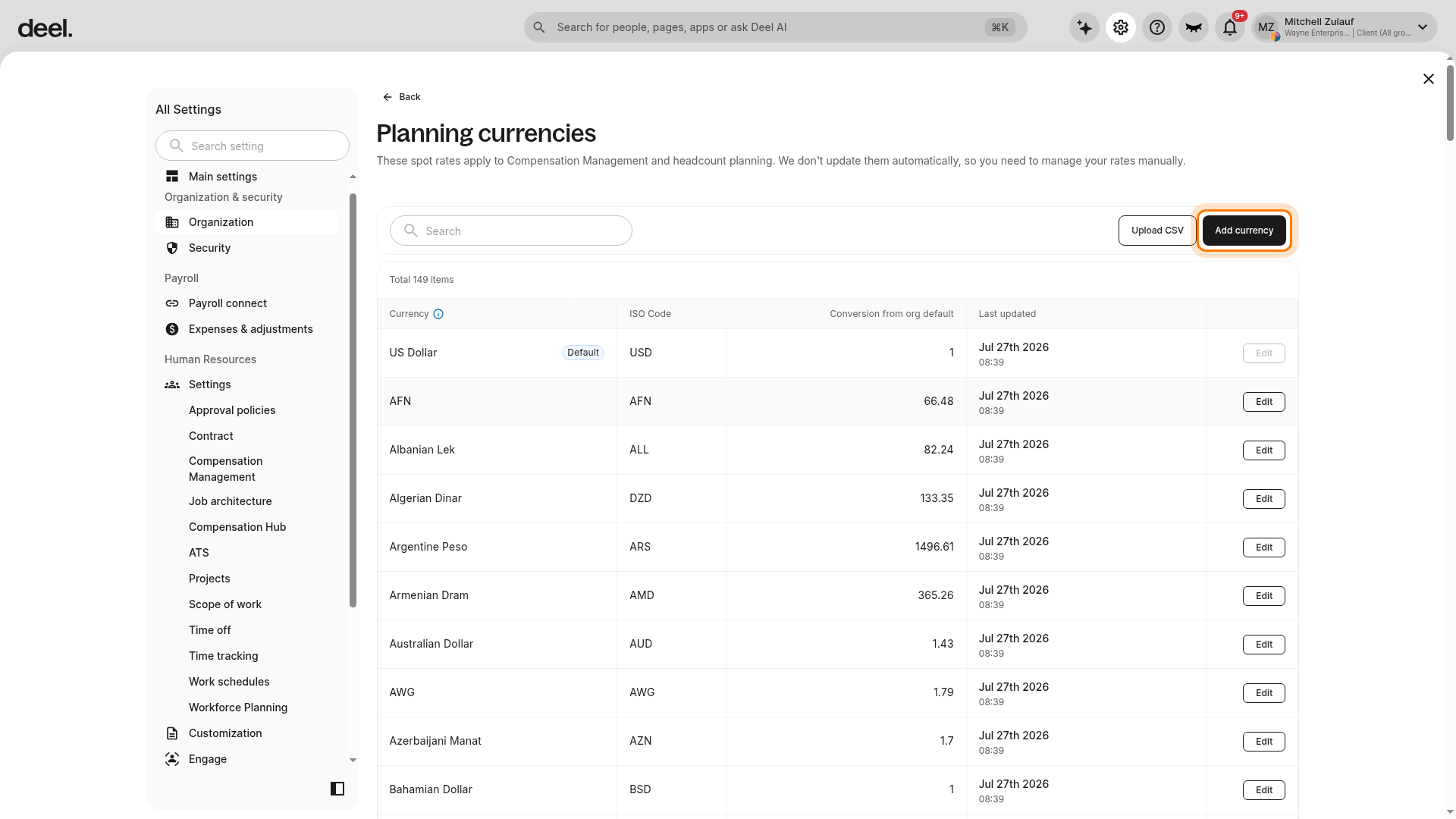
The currency page opens. In this interface, the page is titled Planning currencies.
4 - Click Add currency
On the Planning currencies page, click Add currency above the currency list. Do not select Upload CSV, which is a separate option for importing currencies.
The Add currency dialog includes:
- A required Currency dropdown
- A Set as default toggle
- A required Conversion from org default field
- An Add button
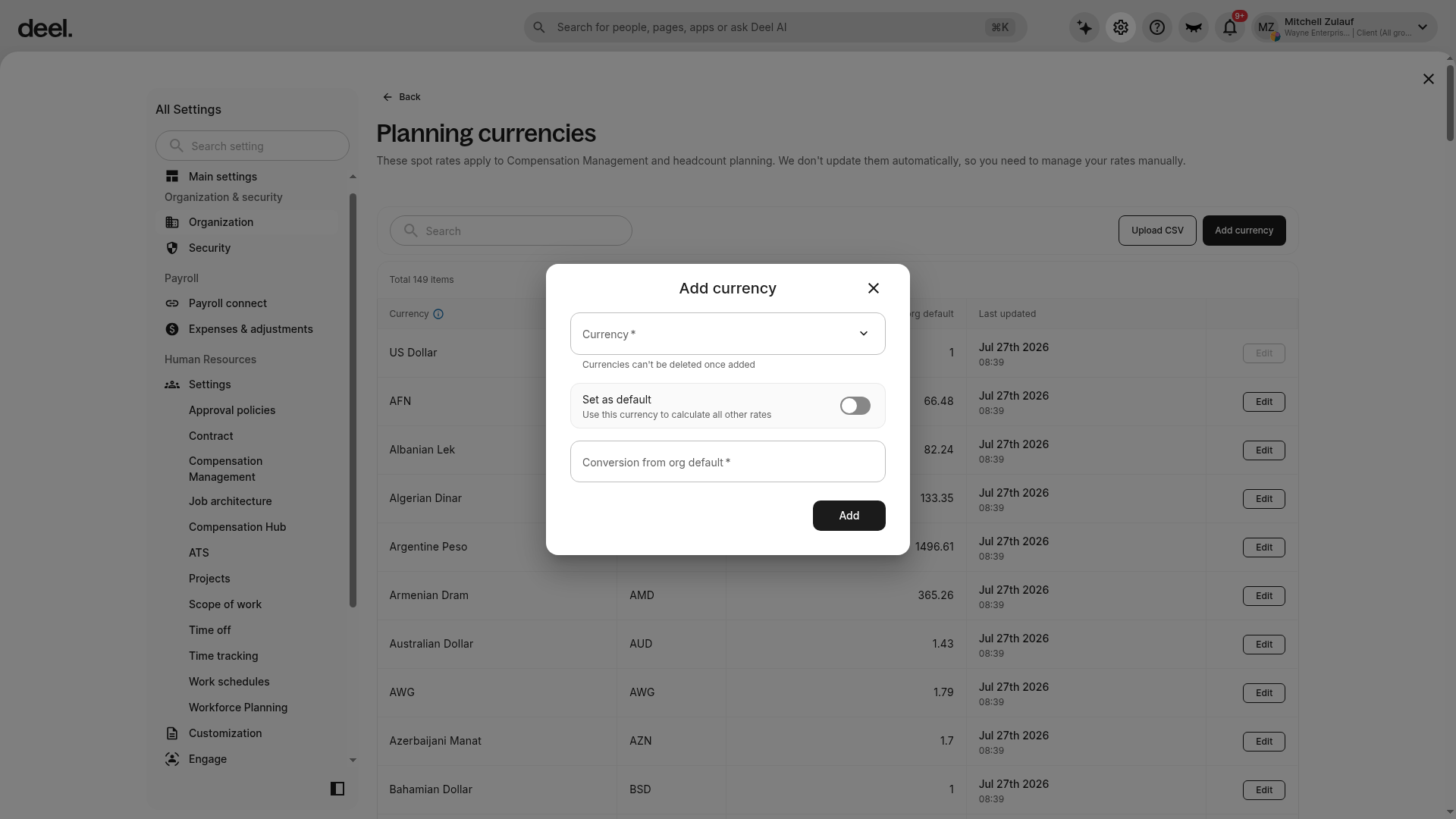
Add the currency and its conversion from the organization’s default currency. Only one currency can be the organization default.
Currency conversions are point-in-time conversions from the default organization currency; they are not dynamic. For example, if the default currency is USD and you add GBP, enter the conversion rate from USD to GBP.
If a currency conversion fails, confirm that the worker is assigned to a compensation band with the same currency as the currency in which they are paid.
Frequently Asked Questions
[ACCORDION] Why did the currency conversion fail?
Select the Org Settings (gear icon) > Settings tab > Compensation.
Select Currency Settings, and confirm that every currency used in your organization for worker payment is added.
If needed, click the Add Currency button and choose from the dropdown menu.
If the conversion failed:
- Confirm there is a currency conversion configured for the given worker's currency.
- Confirm the worker is assigned to a compensation band that has the currency that they are paid in