
If the client uses Deel as its HRIS system to log paid time off:
✅ Step 1 – Open the time off page
Start on the Deel Home dashboard. In the left sidebar, select Profile to expand its related options, if it is collapsed.
Find the Time off and public holidays card on the Home dashboard and select View all.
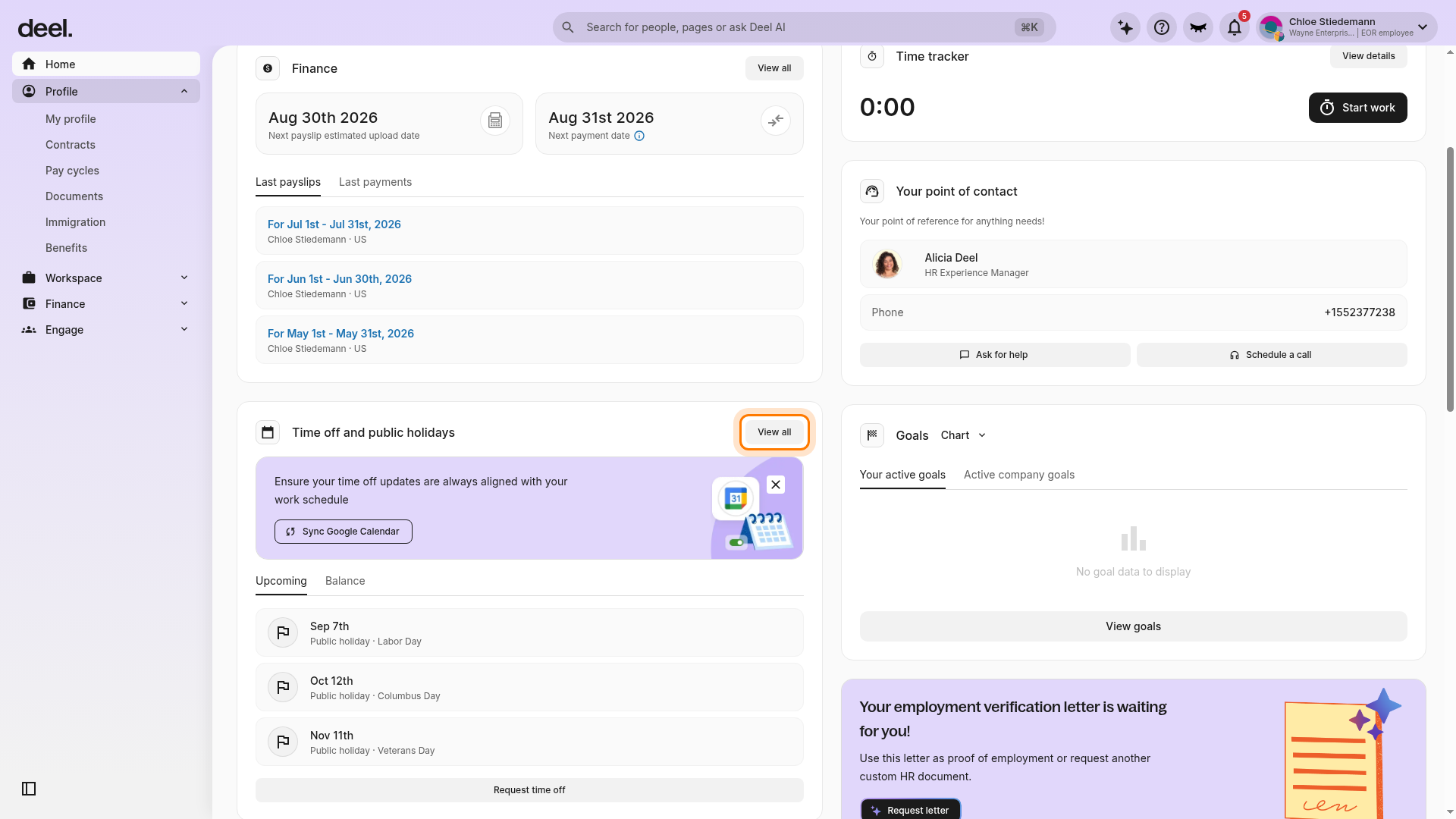
Wait for the Time off page to load. From this page, employees can view the available balance for each leave type in Time off balances, review submitted requests in Time off requests, view the calendar and public-holiday information, and request time off if their employer has enabled time-off management in Deel.
If the client processes paid time off via an external provider:
In the left sidebar, select Profile to expand the section, then select Contracts.
Select the contract and review the PTO section to see the vacation accrual start date and annual vacation entitlement. Employees will not be able to see how many PTO days they’ve taken so far.
Employees will need to track days taken and request time off via the external time-off provider and not through Deel's platform.
 Official public holidays in the employee's country of employment will be automatically updated. Requests for time-off on a public holiday will not be subtracted from the annual allowance.