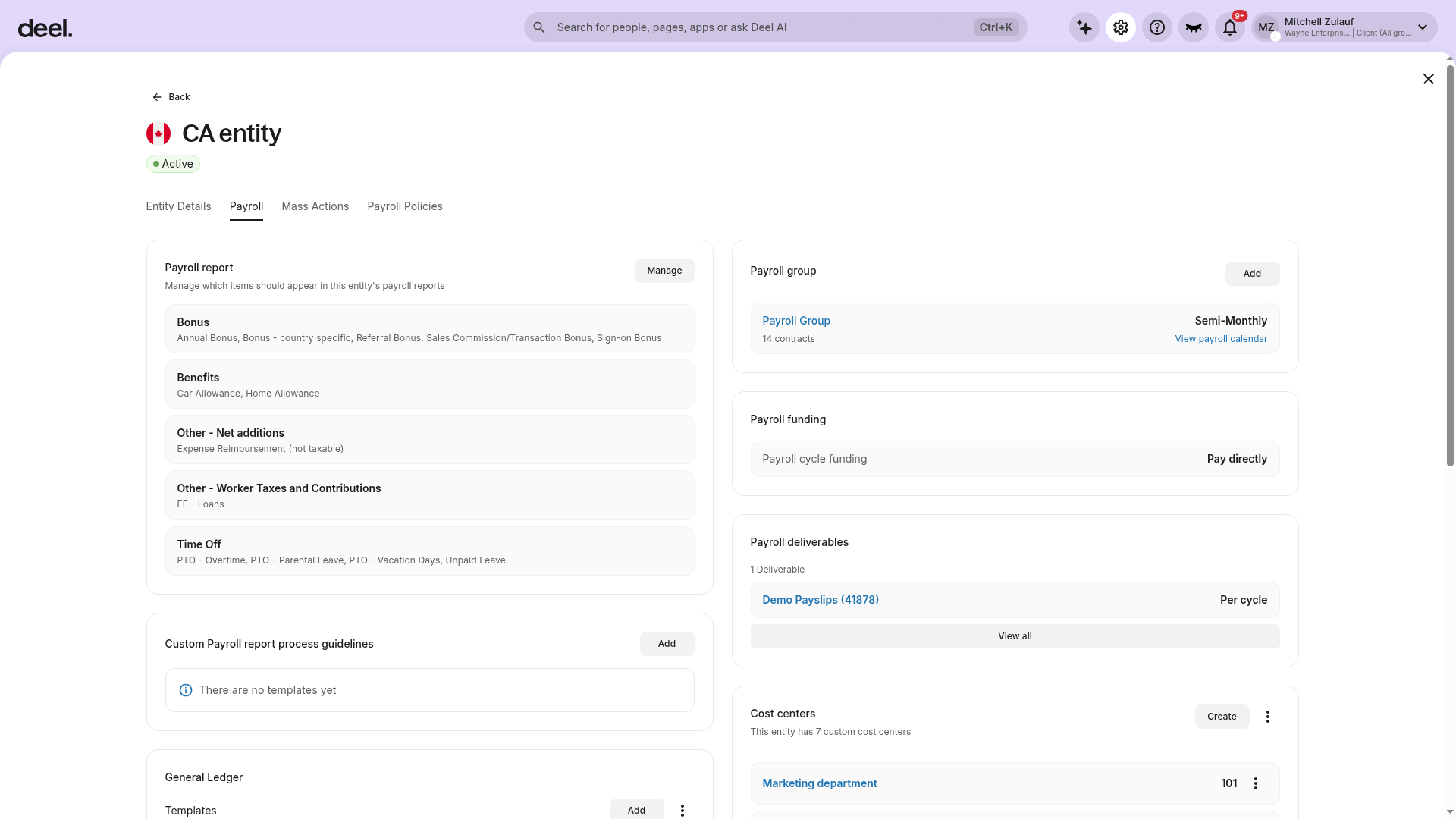
To ensure payroll runs smoothly every cycle, Payroll Managers (PRMs) keep track of the important tasks that need to be managed for each entity. Clients can discuss any unique needs with their PRM and review the list of payroll deliverables that they are managing under Organization Settings.
To review the Payroll Deliverables currently being managed:
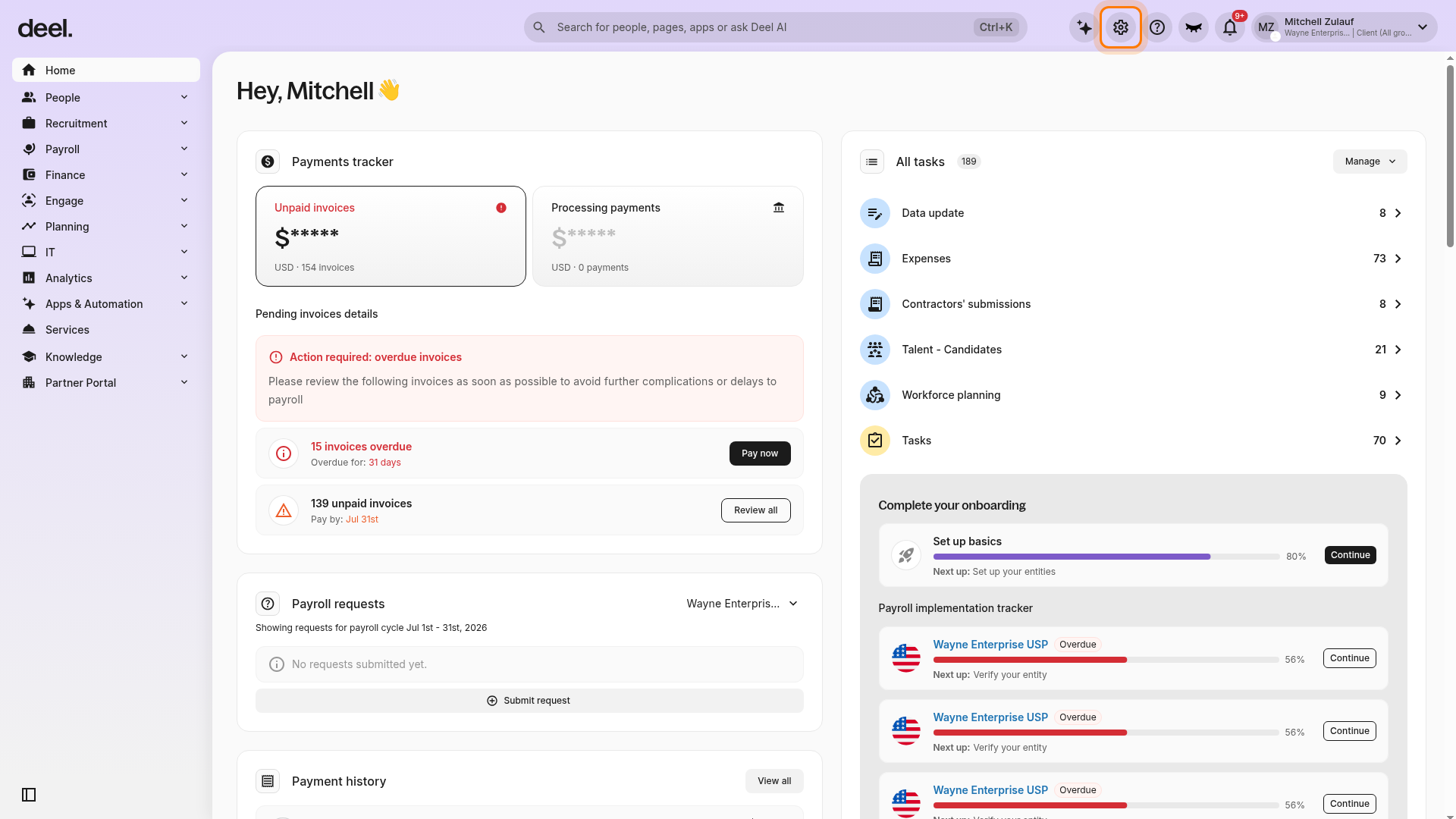
- From the Deel dashboard, select the Organization settings gear icon in the top-right corner.
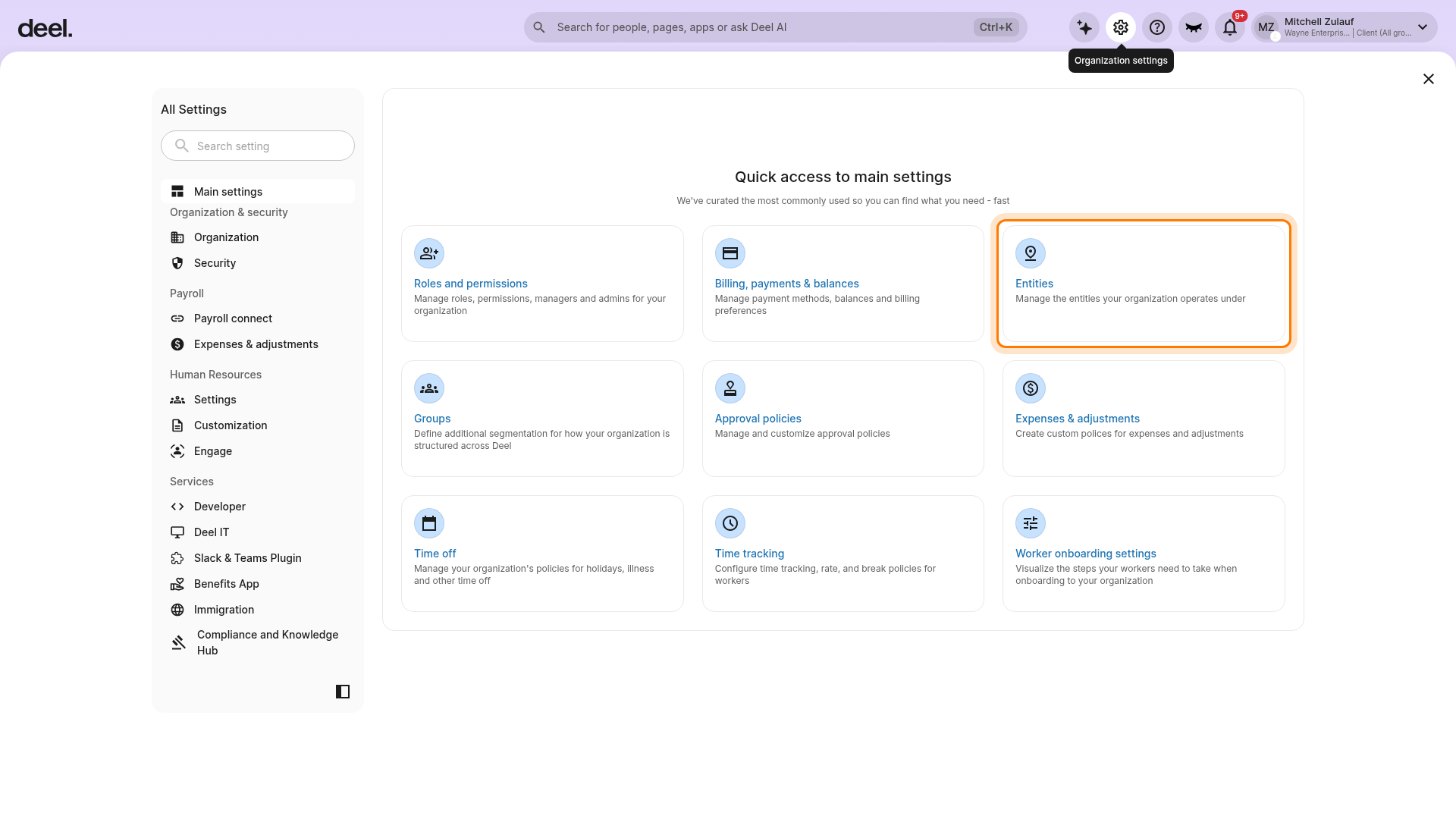
- In Quick access to main settings, select Entities.
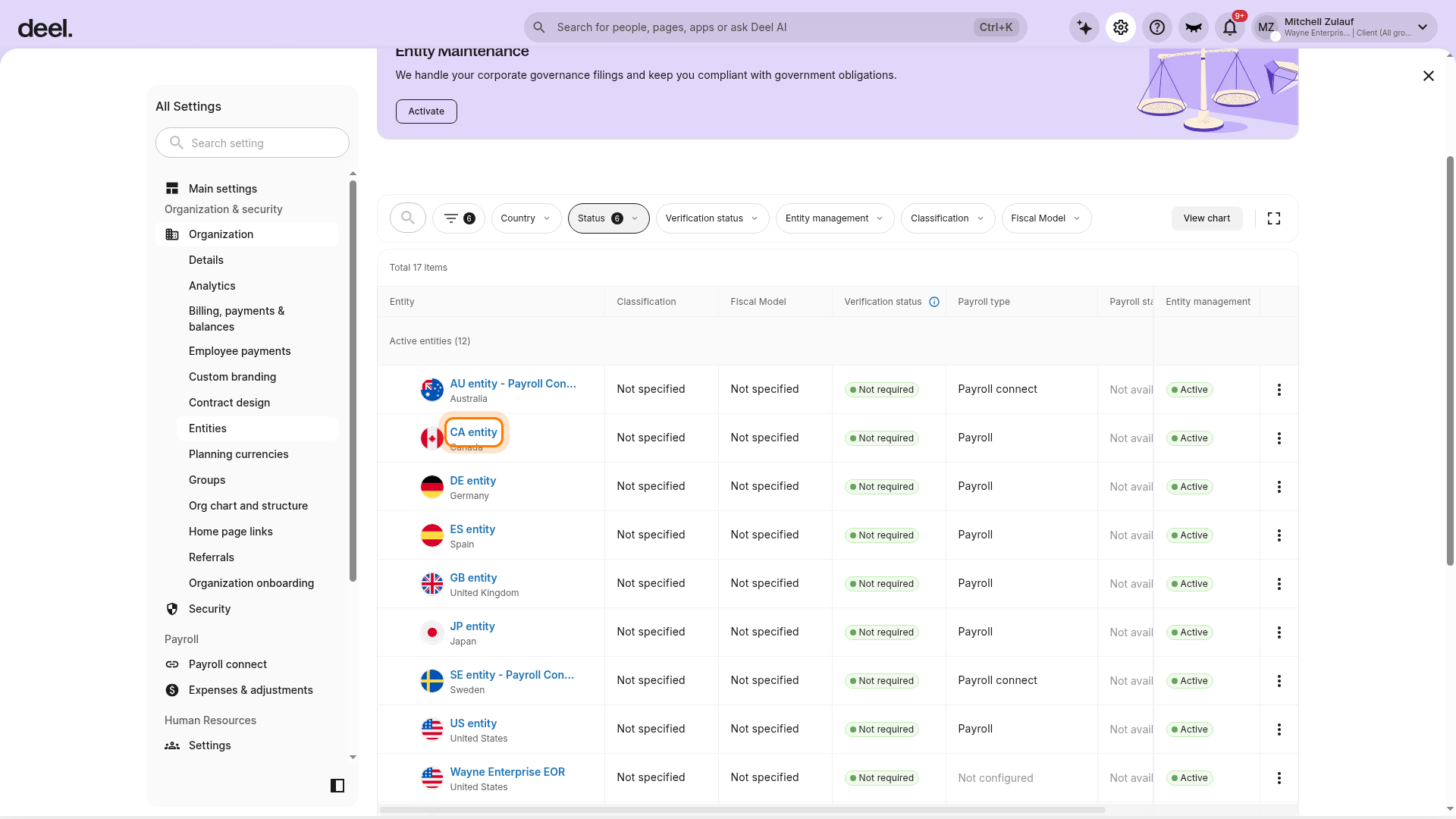
- In the Entities table, select the entity whose deliverables you want to review.
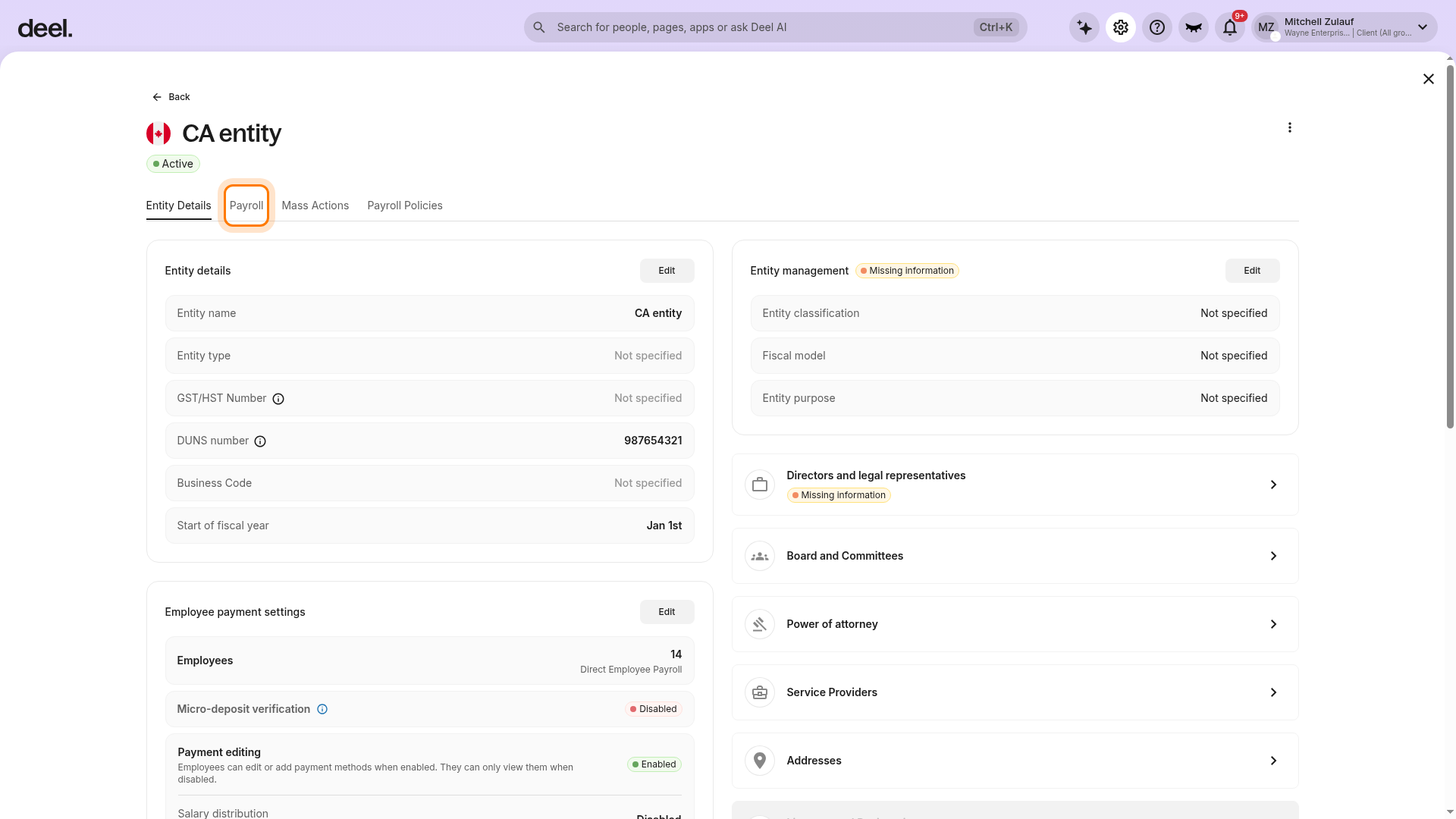
- On the entity details page, select the Payroll tab.
- Review the Payroll deliverables section in the right-hand column. Select the name of each deliverable item to review the details.